We have written extensively in the past about your home lab, home networks as well as making your home setup smarter. But we never really looked at the actual smart devices that you might have in your home, like light switches, heater controls and blinds. Today we look at one platform provider behind many of these products. Let's dive in and look at Tuya and the choices involved in using a Tuya-powered device.
What is Tuya?
Tuya is a global platform provider that supplies technology and cloud services used by brands and manufacturers to create connected products. Think of Tuya as the “behind-the-scenes” magic that allows your smart gadgets to talk to each other and to you. Whether it’s a smart light bulb, a security camera, or a smart plug, Tuya’s technology powers many of the devices you might already be using at home.
A Tuya-powered label does not mean that Tuya is the retail manufacturer responsible for that particular product. This means that many brands you see in stores or online might actually be using Tuya’s technology to make their products “smart.”
How Tuya Works
Tuya provides a ready-made platform that manufacturers can use to add smart functionality to their products. Instead of companies building their own apps, cloud services, and software, Tuya offers all of these as an easy-to-integrate solution. This allows brands to quickly launch smart products without developing the technology from scratch.
Tuya-powered devices typically connect to Wi-Fi, Bluetooth, or Zigbee and can be controlled using a mobile app like the Tuya Smart or Smart Life app. These apps allow users to turn devices on and off, set schedules, and create automation routines.
Company Setup and Types of Products
Tuya works with brands, manufacturers and developers worldwide. Check the named seller and manufacturer for electrical specifications, warranty and firmware support; the shared platform alone does not establish those details.
Products powered by Tuya include:
- Smart Lighting – Bulbs, LED strips, and outdoor lights.
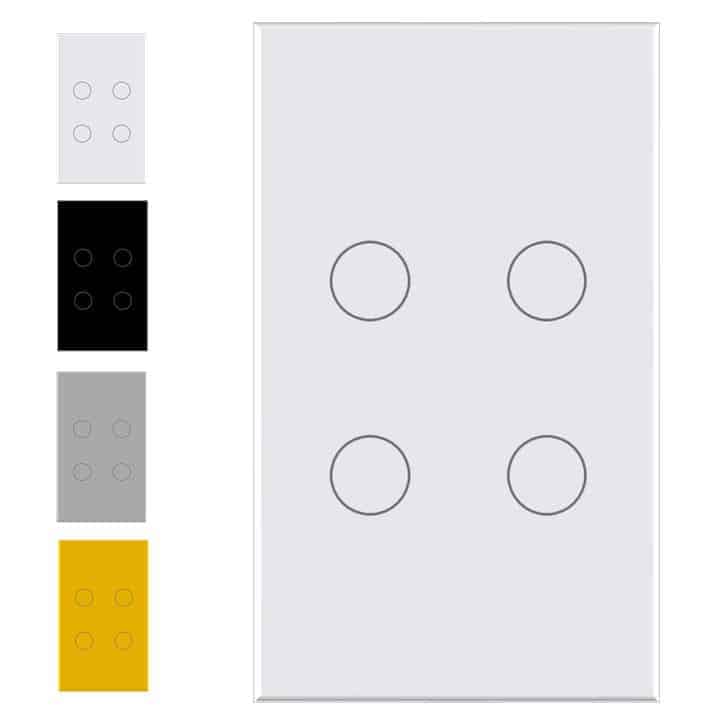
- Smart Plugs & Switches – Remote-controlled power outlets and wall switches.
- Security & Surveillance – Cameras, motion sensors, and smart doorbells.
- Climate Control – Smart thermostats, air purifiers, and humidifiers.
- Home Appliances – Robot vacuums, smart kettles, and coffee makers.
- Energy Management – Smart meters and power monitors.
How Tuya Products Work
Tuya-powered devices are designed to be simple to set up and use. The connection method and remote-control requirements depend on the product; a Zigbee device usually needs a compatible gateway or coordinator. Many devices are also compatible with voice assistants like Amazon Alexa and Google Assistant, allowing users to control them with voice commands.
Some key features of Tuya-powered smart home devices include:
- Remote Access – Control supported devices remotely when the app, account, internet connection and service are available.
- Automation & Scheduling – Set routines like turning lights on at sunset.
- Voice Control – Check the exact device’s supported voice-assistant integration rather than assuming every assistant exposes every feature.
- Multi-Device Integration – Create smart home ecosystems where multiple devices work together.
- Energy Monitoring – Some devices track energy usage to help users save on electricity bills.
Key Features of Tuya Products
Here’s what makes Tuya-powered devices stand out:
- Easy Setup: Follow the exact device’s pairing instructions and check its required radio or gateway.
- Voice Control: Compatibility depends on the product and integration; a platform logo is not a promise of all features.
- Automation: Set schedules or routines, like turning on the lights at sunset.
- Remote Access: Remote access depends on working accounts, connectivity and the relevant service.
- Affordability: Compare the complete local price, including any required hub and the support you need.
Alternatives to Tuya
While Tuya is a popular choice, other platforms provide similar IoT solutions:
- Samsung SmartThings – Offers a robust smart home ecosystem with high compatibility.
- TP-Link Tapo/Kasa – Focuses on reliable smart home devices with an easy-to-use app.
- Google Home & Apple HomeKit – Provide smart home integration with their respective ecosystems.
- Aqara & Xiaomi Mi Home – Offer Zigbee and Wi-Fi smart home devices at competitive prices.
What Makes Tuya Different?
Tuya stands out because it allows multiple manufacturers to use the same platform, creating a wide range of affordable smart home devices that work together. Apple Home and Google Home also support third-party products. Compare exact protocol and feature support, rather than treating ecosystem names as evidence that everything will work together.
Cloud integration versus local control
The official Home Assistant Tuya integration uses the Tuya service and is classified as Cloud Push. Its documentation notes that the official SDK does not expose every Smart Life function. A device appearing in Home Assistant is therefore not proof that it is controlled locally or has the same features as its app.
If working during an internet outage is a priority, identify the command path for the exact device. Distinguish physical control, stored schedules, local controller automations and cloud scenes. They can behave differently when an internet connection or service is unavailable.
| Approach | What must be verified |
|---|---|
| Direct Zigbee through ZHA or Zigbee2MQTT | Supported coordinator, exact device/firmware and exposed controls or custom handlers. |
| Tuya Local or LocalTuya for Wi-Fi | Local protocol, key, device mapping and reliable command/status behaviour. |
| Matter device or bridge | Actual Matter support, required controller/transport and the features exposed. |
| Alternative firmware | Exact chip, board, pin mapping and supported installation/recovery method. |
Zigbee is a useful option, not universal support
A directly paired Zigbee device can be controlled through a local coordinator without a Tuya gateway. However, some products use manufacturer-specific behaviour. ZHA documentation explains custom device handlers, while Zigbee2MQTT's supported-device list records model-specific features.
Verify the exact identifier rather than only a retail photo or “Zigbee 3.0” label. A product may pair but expose only some controls. Plan the coordinator connection, radio placement and network coverage; Zigbee still shares radio space with other equipment and cannot promise a fixed sub-50-ms response.
Local Wi-Fi integrations have limits
Tuya Local and LocalTuya are separate community integrations. Check the maintained documentation and exact device support. Firmware changes or a reused model name can affect compatibility, and some devices limit simultaneous local connections.
Tuya Local explicitly states that using it does not stop the device sending status to Tuya's cloud. Pairing again can change its local key. A successful status display is not enough: test on/off commands, feedback and reconnection after a normal restart.
If you plan to block internet access, first verify normal control with a reversible, device-specific network rule. Keep local controller access intact and check schedules, state reporting and recovery. Do not equate a local key with complete privacy or assume every Wi-Fi sensor can work through the same integration.
Matter and replacement firmware
Matter supports local control of the functions it exposes. Some products need vendor setup to enable it, and a bridge may expose fewer features than the original app. Matter over Thread also needs an appropriate Thread border router. A Tuya logo alone does not make a device Matter-capable.
Alternative firmware is a specialised path, not a universal fourth method for every Tuya device. ESPHome's LibreTiny documentation identifies supported chip families and limited over-the-air methods. Confirm the complete board and device behaviour before considering replacement. Never open or work on a powered mains device; buying an already supported product is often a more practical route than modifying unsuitable hardware.
Buy and test one device first
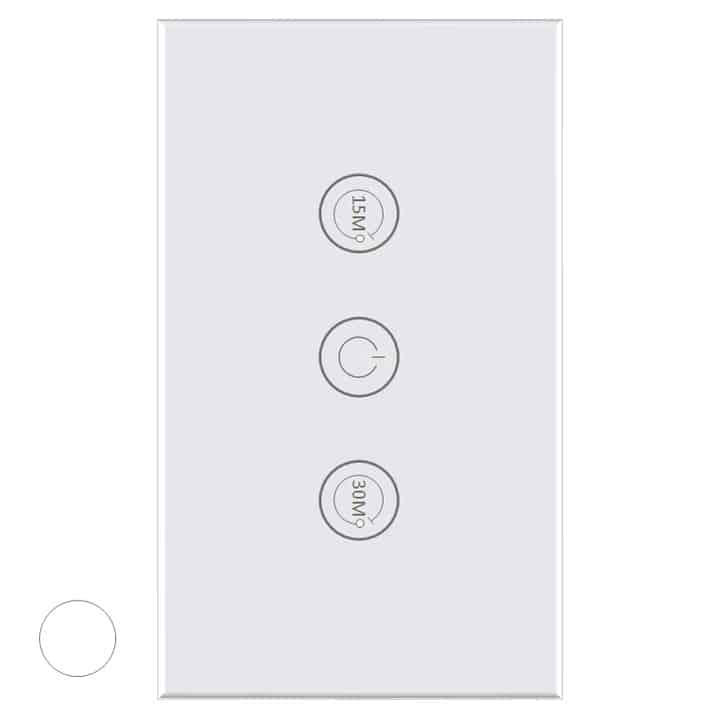
Start with one product and list the features you require: switching, dimming, energy readings, manual control or local schedules. Check which are available through the intended app and controller. A timer in a screenshot does not establish where that timer runs.
Record the model, firmware, integration and recovery steps. Try an attended, non-critical automation, then test loss of internet access and the controller separately when doing so will not disrupt essential equipment. Check the physical control and the state after power returns. Keep keys and account details private when sharing diagnostics.
Tuya can provide access to a broad range of useful connected products. Its value comes from finding supported devices that meet your actual needs, not assuming all products have identical support, lowest prices or guaranteed local operation. See Tuya's platform overview for the company’s role and use product/integration documentation for the final choice.