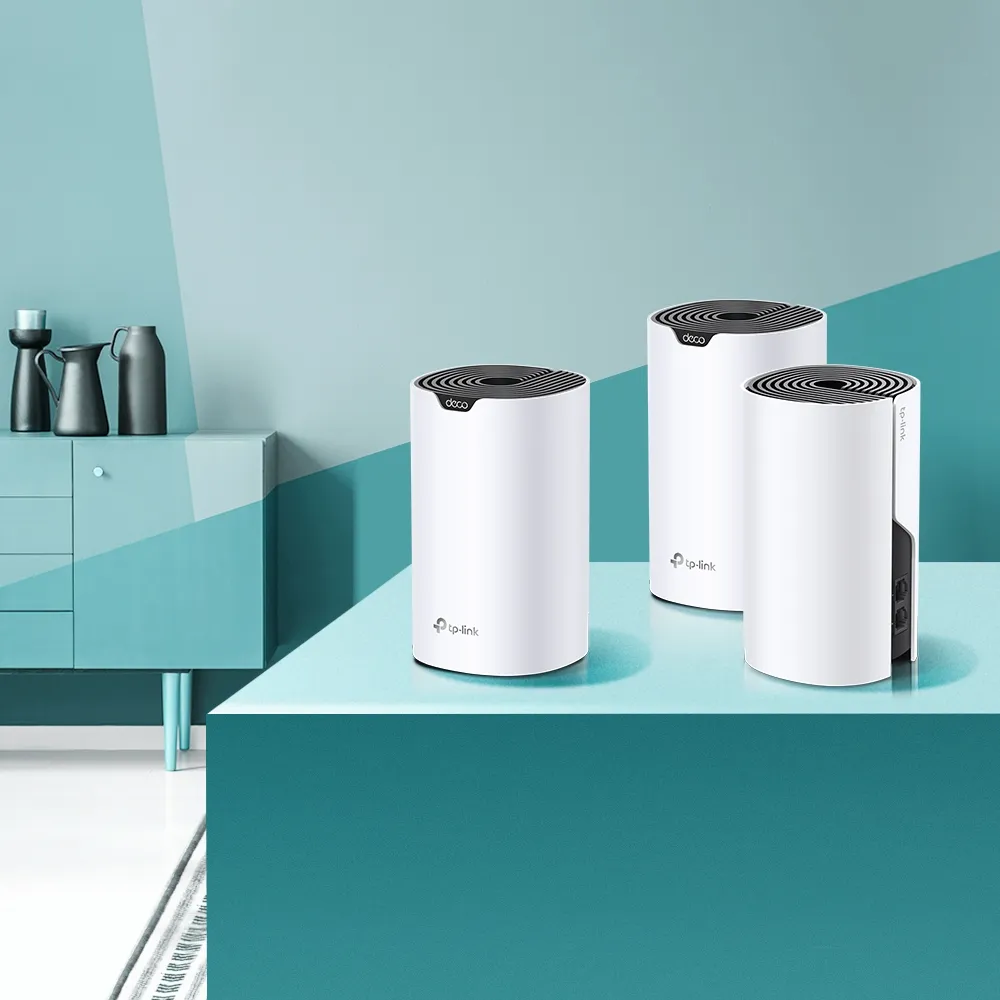
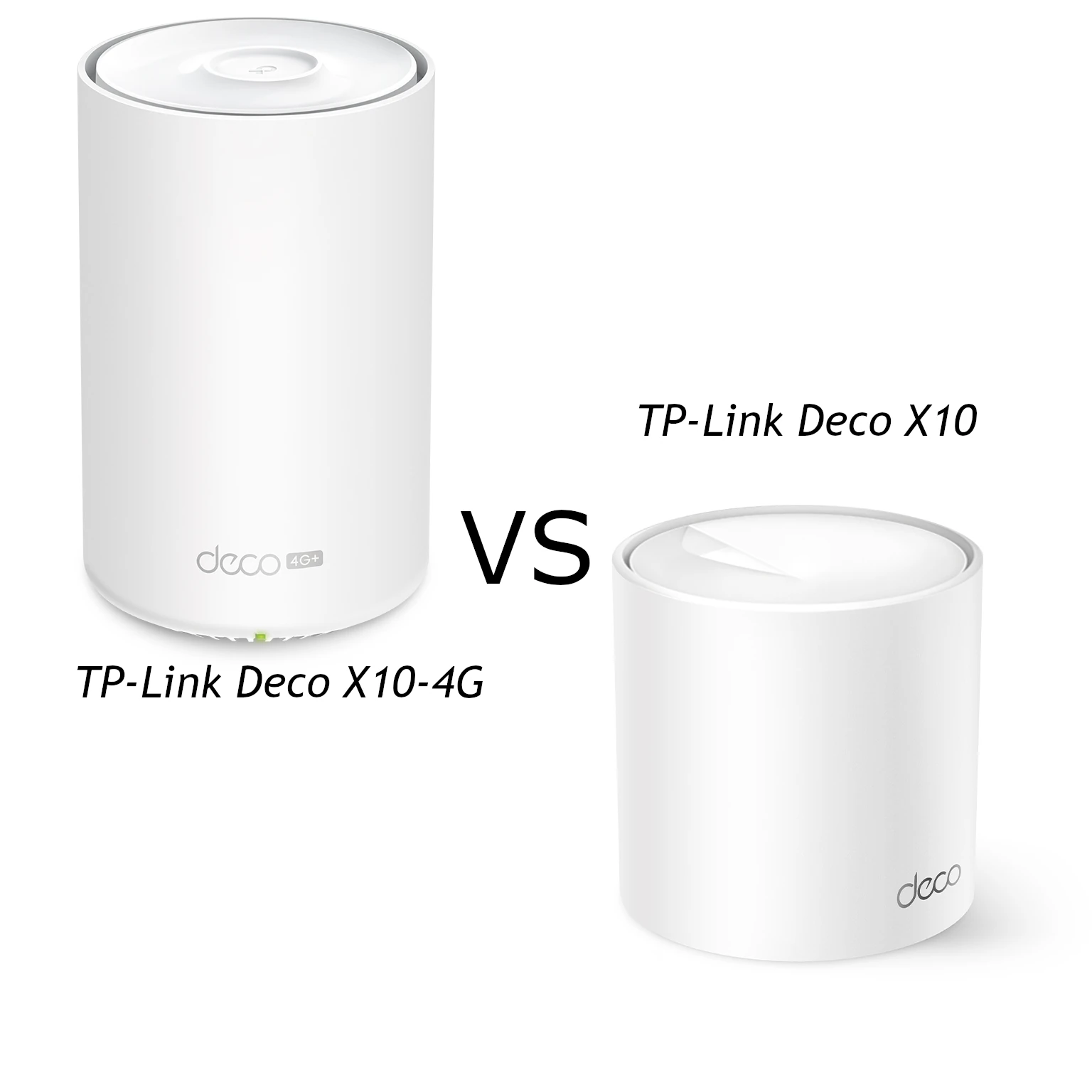
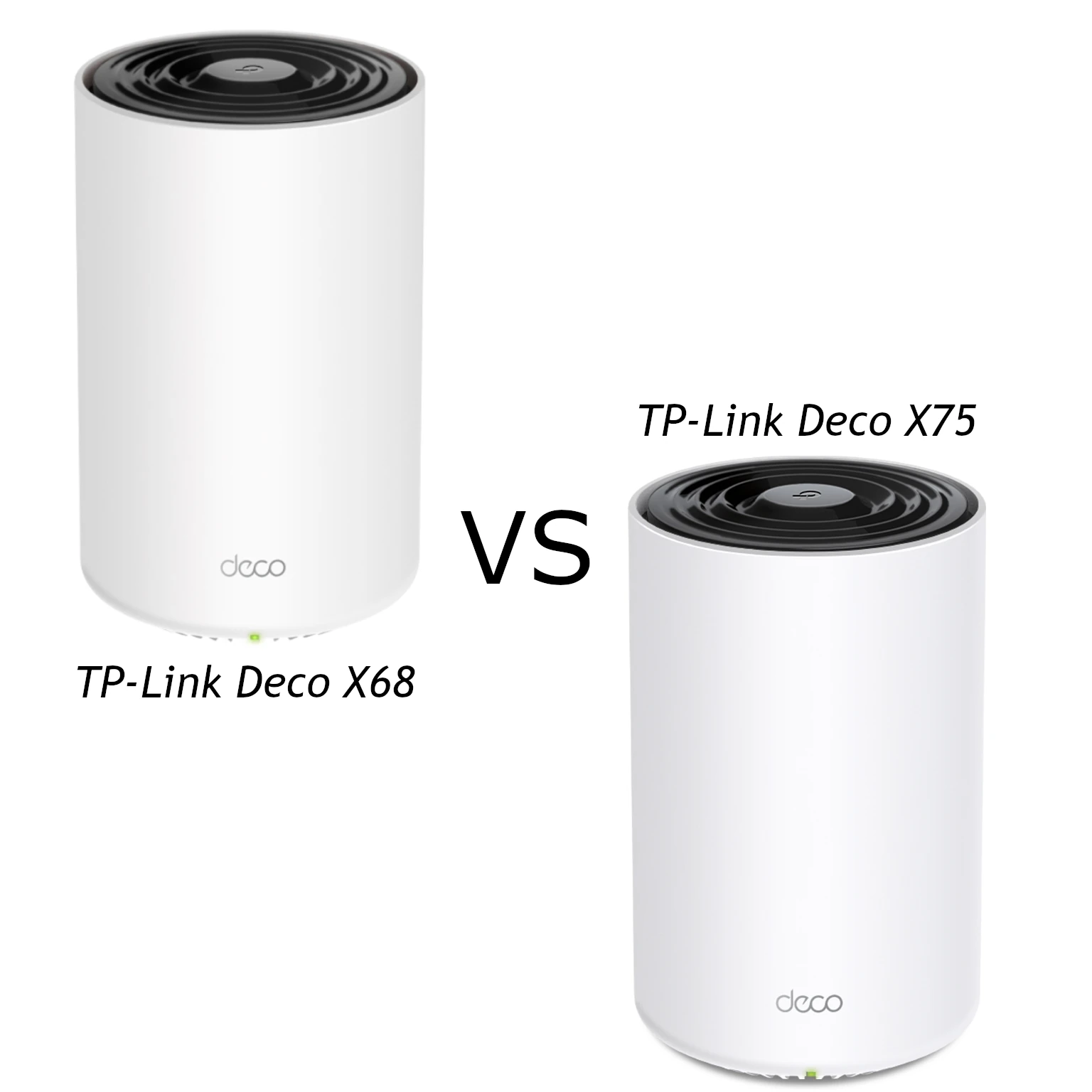
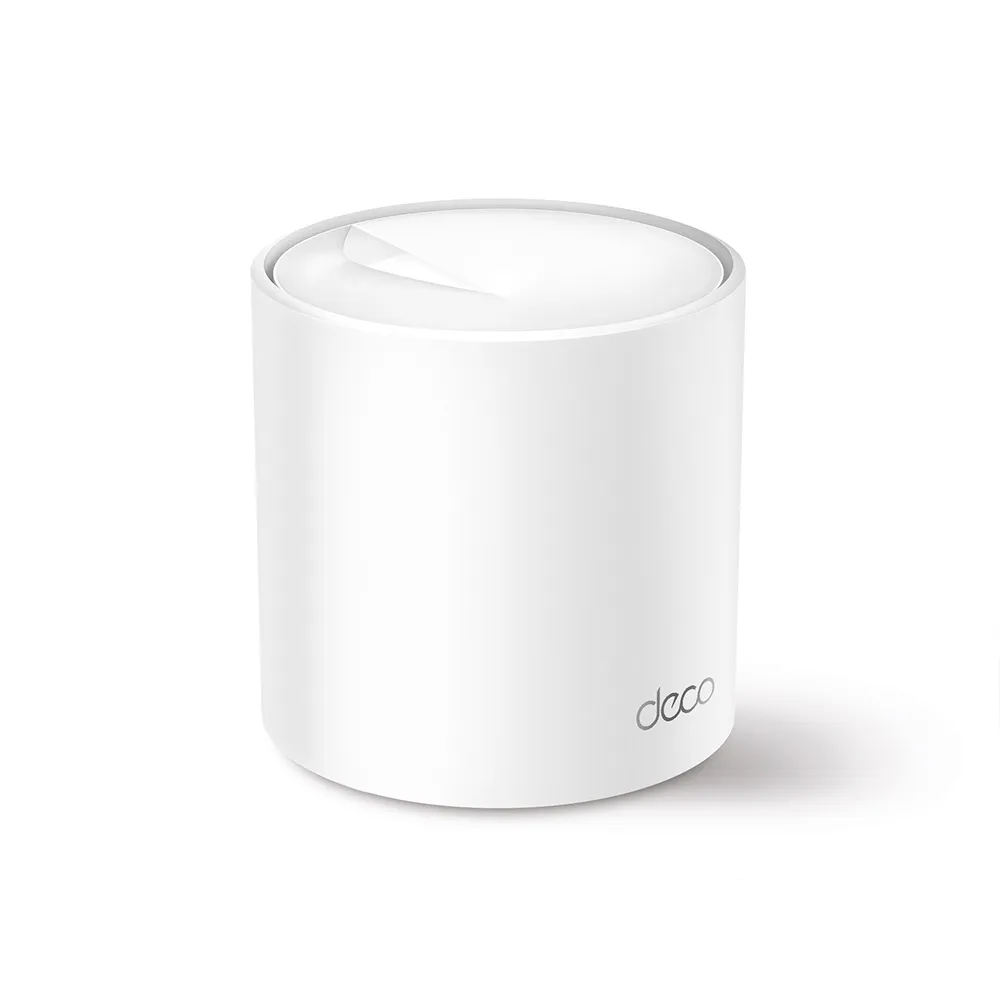
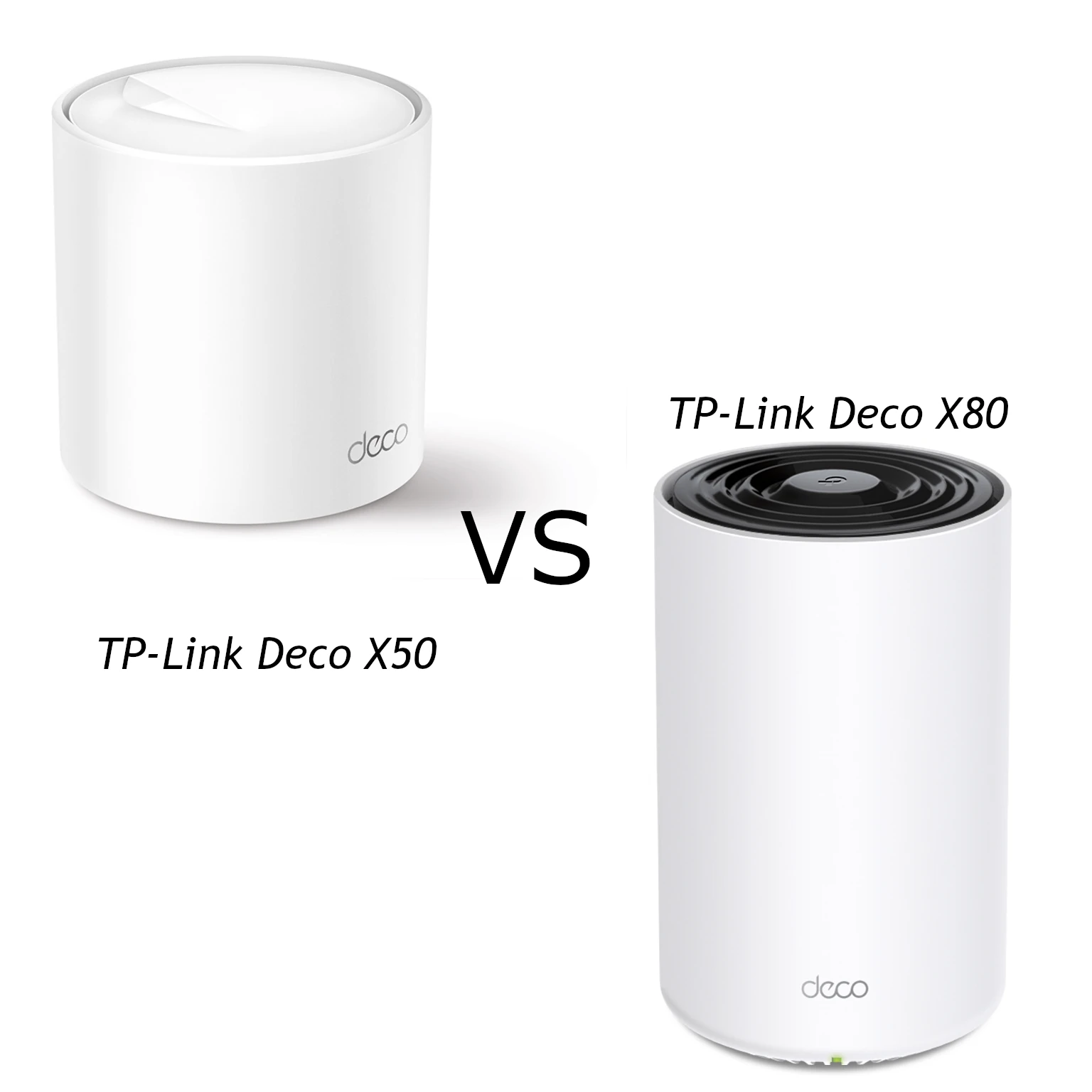
The TP-Link Deco X50 and X80 are both dual-band Wi-Fi 6 mesh systems, but they suit different budgets and connection requirements. The X50 remains a sensible value option for a modest home network; the X80 offers more radio streams and one 2.5G port for users who can benefit from that extra capability.
Think of mesh as several lighthouses covering a wider area rather than one beacon reaching everywhere. Each node still needs a useful connection back to the network, and a client's position and radio affect the result. Choosing the more expensive unit is not a guarantee that every room or device becomes faster.
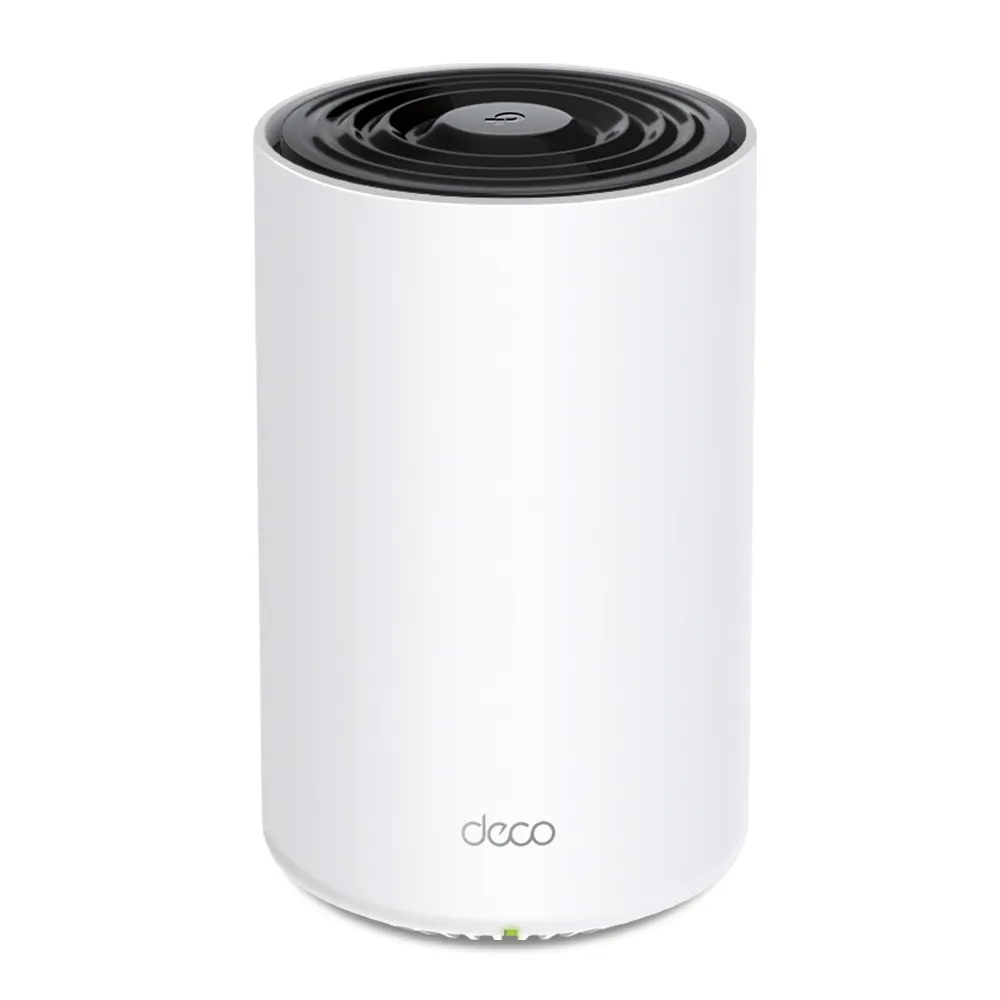
Radio Architecture and Client Limits
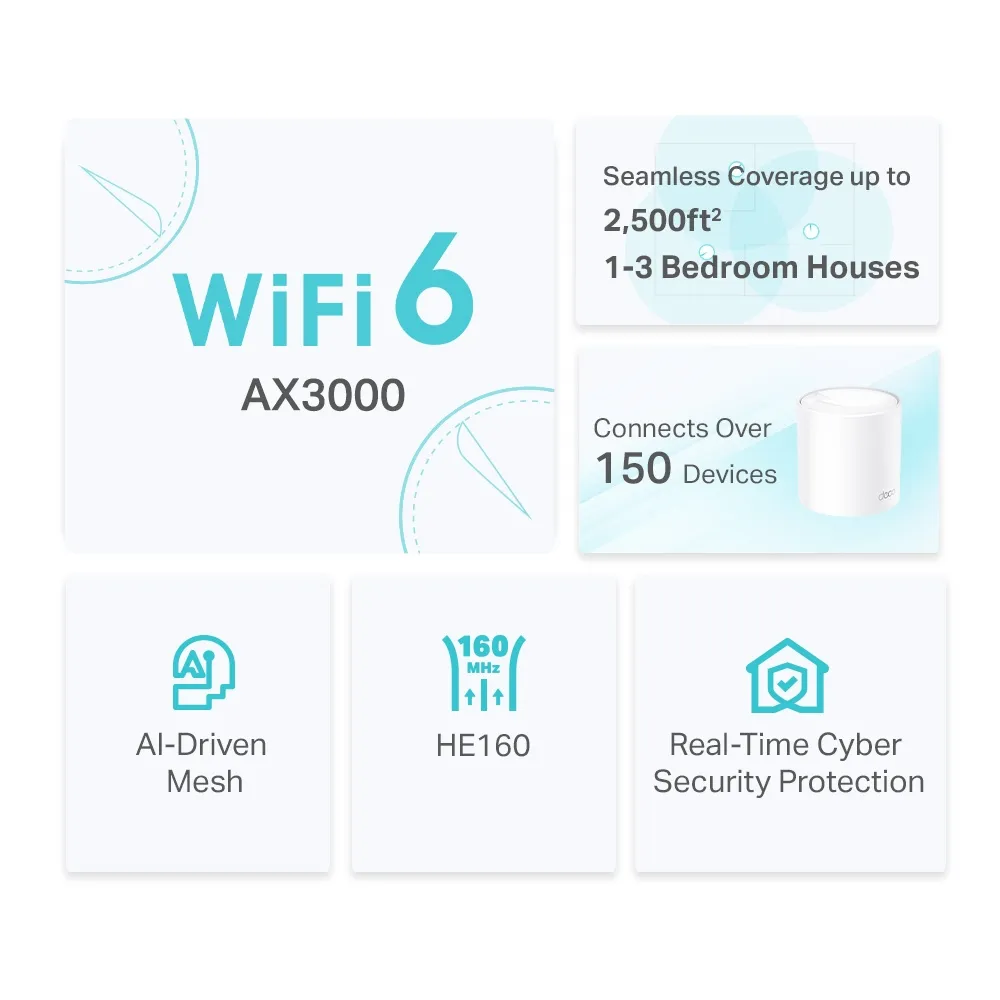
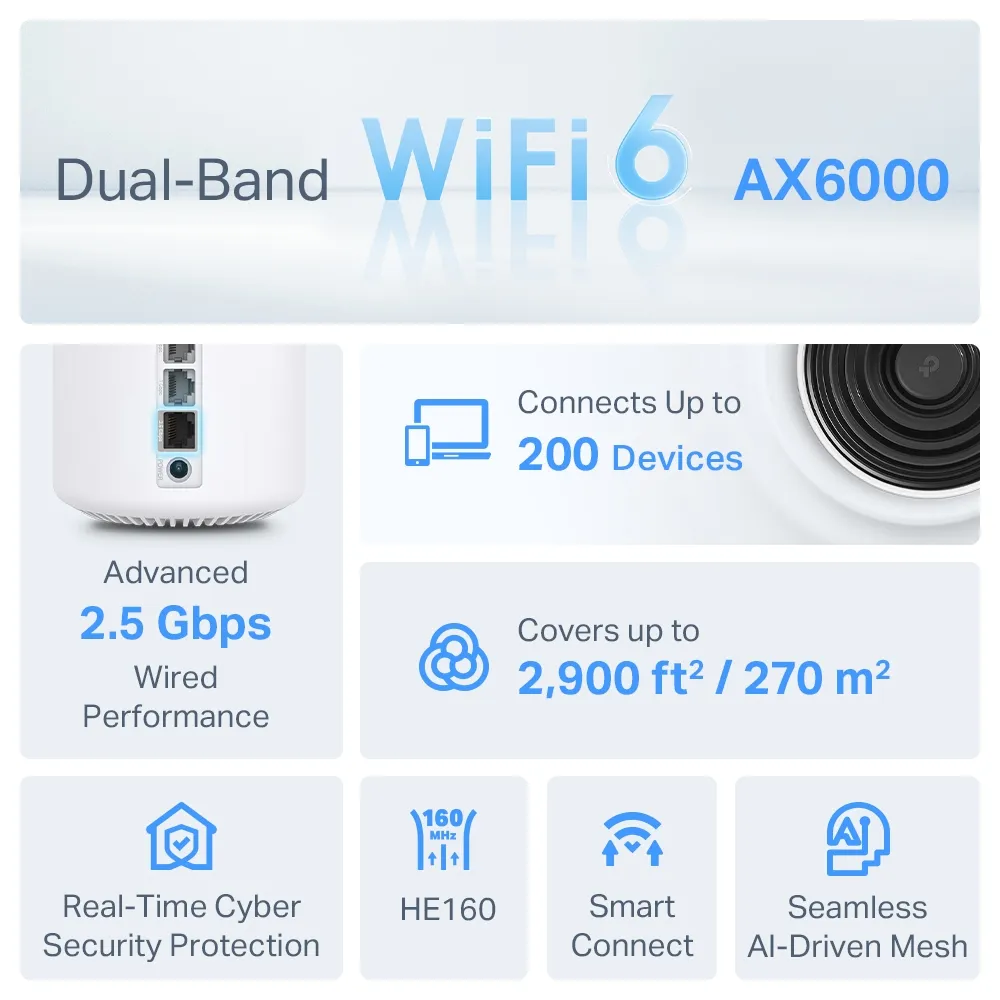
The standard X50 compared here is AX3000, with published maximum rates of 2,402 Mbps on 5 GHz and 574 Mbps on 2.4 GHz. TP-Link describes 2x2 radios and four streams across the two bands. The X80 is AX6000, with 4,804 Mbps on 5 GHz and 1,148 Mbps on 2.4 GHz, with 4x4 capability and eight aggregate streams.
These are wireless signal rates, not measured downloads or internet-plan speeds. A two-stream laptop cannot use four streams in a single connection merely because the access point offers them. The X80's additional radio resources can be useful for supported multi-client work and backhaul, but do not establish a universal doubling of concurrency, range or application speed.
Both support 160 MHz operation where the region and client allow it. A narrower client channel, weak signal or competing airtime can reduce the benefit. Neither standard model has a 6 GHz Wi-Fi radio or Wi-Fi 7 MLO. Models with similar names, including cellular or PoE variants, need their own specification checks.
Head-to-Head Specifications
This comparison uses TP-Link's standard X50 V1-family and X80 documentation. Confirm the exact local hardware revision and package before ordering.
| Item | Deco X50 | Deco X80 |
|---|---|---|
| Standard and bands | Wi-Fi 6; 2.4GHz and 5GHz | Wi-Fi 6; 2.4GHz and 5GHz |
| Aggregate class | AX3000; 2,402 + 574Mbps | AX6000; 4,804 + 1,148Mbps |
| Radio streams | 2x2 per band; four total | 4x4 per band; eight total |
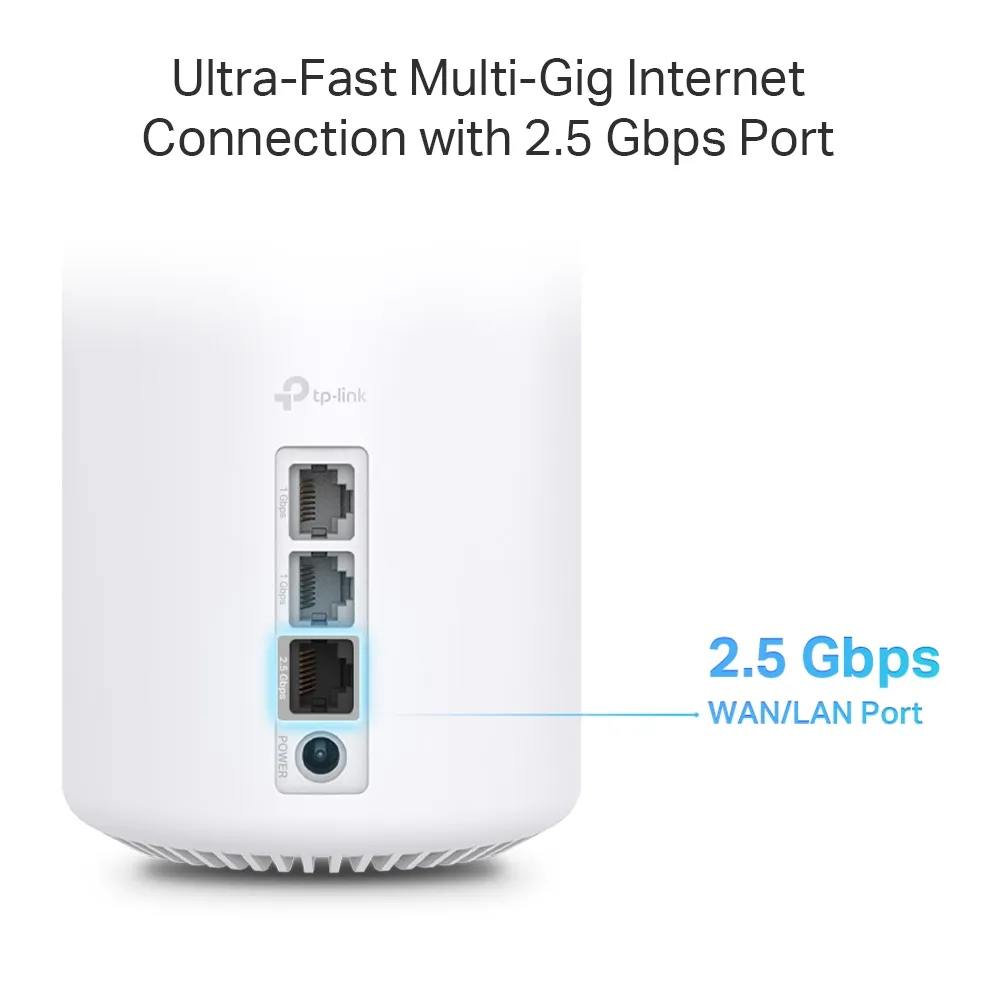
| Ports per unit | Three Gigabit WAN/LAN sockets | One 2.5Gbps plus two Gigabit WAN/LAN ports |
| Backhaul | Shared wireless or supported Ethernet | Shared wireless or supported Ethernet |
| Manufacturer device claim | Over 150 devices, subject to workload | Up to 200 devices, subject to workload |
| Operating modes | Router or access point | Router or access point |
Device counts are planning claims, not a promise that hundreds of busy clients can each receive their maximum rate. The number of active transfers and the airtime they consume matter more than the count of mostly idle smart plugs. CPU clock and RAM values should not be used as a substitute for a verified result on the exact revision.
Ports and Backhaul: Follow the Whole Path
The X50's three Gigabit sockets are useful for a wired backhaul and nearby equipment. Count their roles at the main unit separately from a satellite: the main unit may need one for the WAN and another for a downstream link. A satellite with one backhaul connection generally has two sockets left for clients.
The X80's single 2.5G socket can serve a fast WAN or a suitable LAN/backhaul role. It cannot provide a separate 2.5G WAN and 2.5G LAN connection simultaneously. If the main X80 uses that port for internet service, its remaining cable sockets are Gigabit. A satellite connected through one of those Gigabit sockets still has a Gigabit upstream bottleneck, even if its own backhaul port supports 2.5G.
A fast local NAS connection also needs a matching path from the client. Connecting one storage device at 2.5G does not make a second Gigabit wired client faster than its link. Sketch the modem/ONT, main node, switch, satellite and client connections before paying for a port that cannot be used in the intended role.
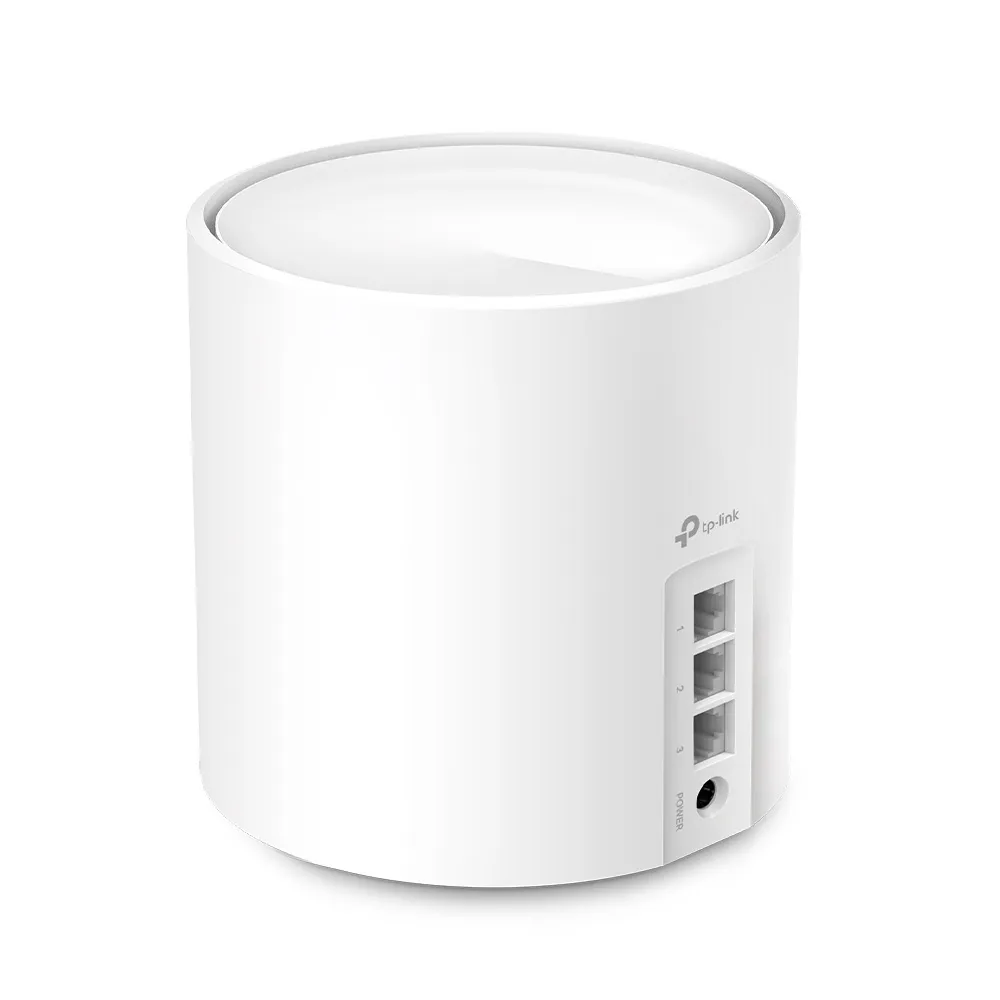
Both systems share wireless radio resources between applicable client and backhaul traffic. Ethernet backhaul can reduce that contention when the cable path is suitable, but cannot guarantee a particular Wi-Fi result. A well-placed wired X50 node may be more useful than a more powerful node receiving a weak wireless backhaul.
A Useful Comparison in Your Own Home
Test the same client at the same locations with the same background workload. Record which node and band it uses and whether the backhaul is wired or wireless. Compare the main-node result with the room where the connection actually matters, instead of assuming an advertised area provides equal service everywhere.
A local throughput test or file transfer needs a wired server, switch and storage path fast enough for the intended comparison. An internet speed test additionally includes the ISP and test-server path. Those measurements answer different questions, so keep their conditions with the results.
Also test responsiveness while an upload or download is running. A video call or game can expose a problem a single download number misses. Changing placement or adding a cable may have more effect than upgrading the wireless class, particularly when the client remains the same.
Power and Placement
Keep both models ventilated and use the supplied regional adapter. Avoid hiding a node in an enclosed cupboard or at the edge of a dead zone. For wireless backhaul, find a position with a good upstream signal and then check the affected room.
If always-on energy use matters, measure your actual units at the wall under ordinary and busy conditions. Manufacturer maximum power figures and adapter ratings are not idle-consumption measurements. Regional specifications can differ, so do not treat one quoted wattage or surface temperature as a universal comparison.
Roaming and Compatibility
Both manufacturers' specification materials list 802.11k/v/r assistance, with client support and setup caveats. Mesh can provide a unified network name and guidance for moving clients, but the client and firmware still determine roaming behaviour. It does not establish that the X80 completes every transition in forty milliseconds or guarantees a stutter-free call.
After setup, check older smart-home devices and the phone or laptop used for calls. If a compatibility issue follows a roaming or security change, use the model's documented settings and compare one change at a time. Keep a path to management available while experimenting.
HomeShield and Operating-Mode Choices
TP-Link identifies HomeShield for these models, rather than assuming the older HomeCare name applies. Basic and advanced paid features have different terms. Check the functions and renewal costs you require in your region and firmware; a security service is not a guarantee against every threat or proof of latency-free packet inspection.
For an existing homelab firewall or ISP gateway, AP mode delegates routing and DHCP to the upstream equipment and changes feature availability. Verify guest/local access behaviour before relying on it as an isolation boundary. Use appropriate WPA2/WPA3 settings and read more about MU-MIMO without treating extra streams as automatic speed for every client.
Which One Is Right for You?
Choose the X50 when its price, compact size and Gigabit connectivity fit a small-to-medium home or a wired-node layout. It remains a good value choice for everyday streaming, work and smart devices, particularly when the clients and internet service cannot use the X80's extra capability.
Consider the X80 when its extra radio resources and single 2.5G port address a specific requirement. It remains the more capable radio option for a demanding household, but verify the full connection path and node placement rather than assuming a guaranteed range or latency advantage.
Compare current local package prices and alternatives, including the cost of cabling or switches. See the original manufacturer links for X50 and X80, and our model guides for Deco X50 and Deco X80.