Having a second internet connection alongside a normal wired WAN is an appealing option for a home office or a holiday property. Our preference is a cellular backup: it offers a separate access route and can travel with you when your mobile plan permits. The TP-Link Deco X50-5G and Deco X50-4G combine a SIM-based modem with Deco mesh Wi-Fi. Choosing between them starts with the mobile network available at your address, rather than the largest number on the box.
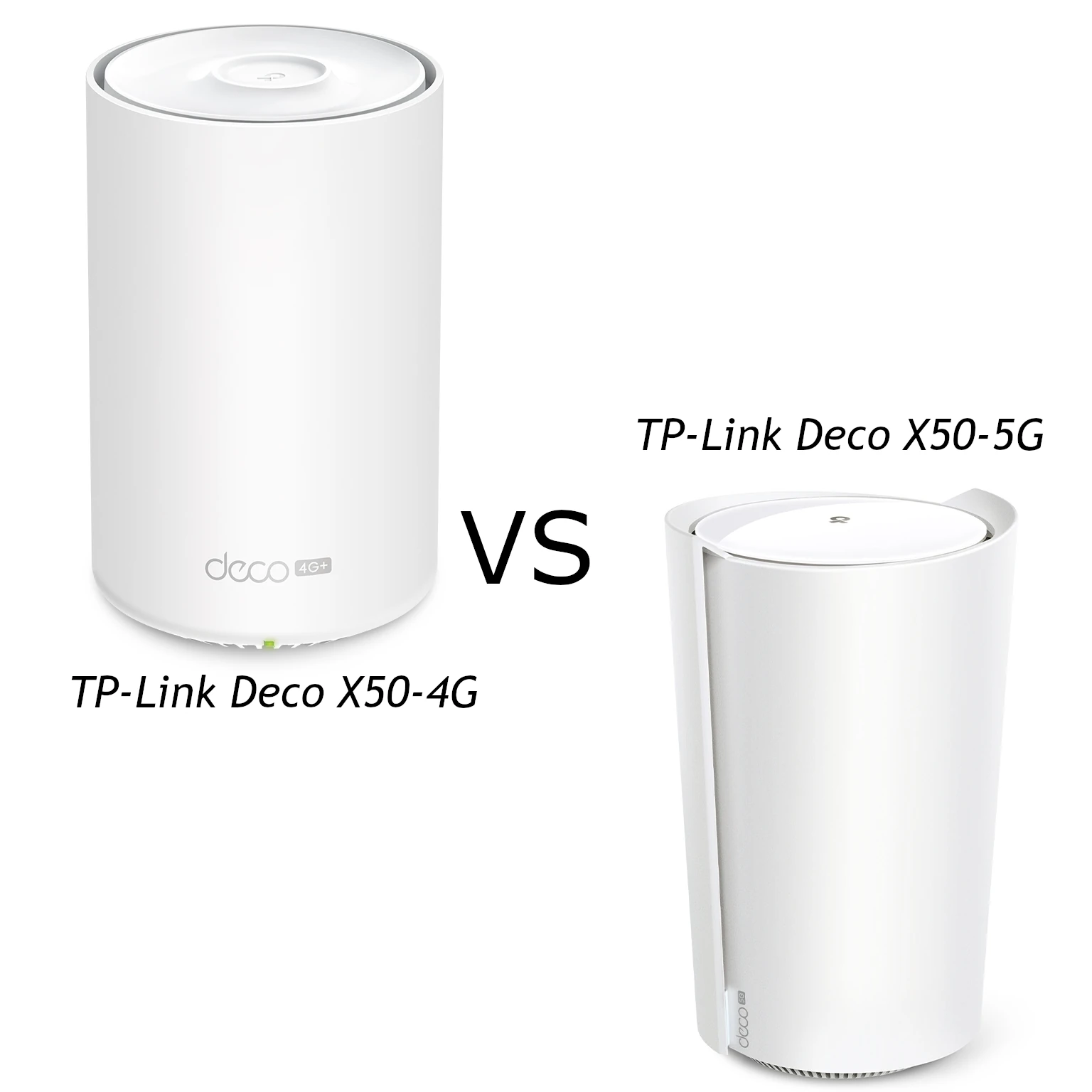
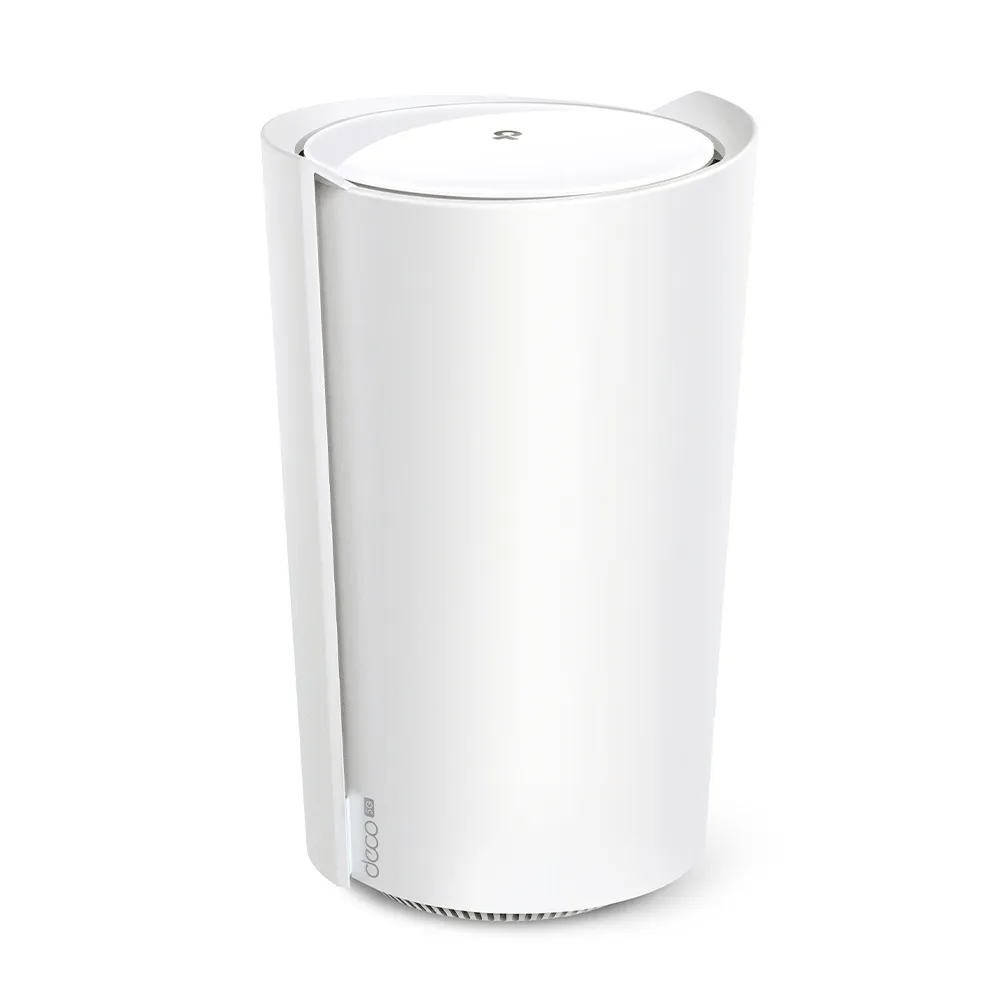
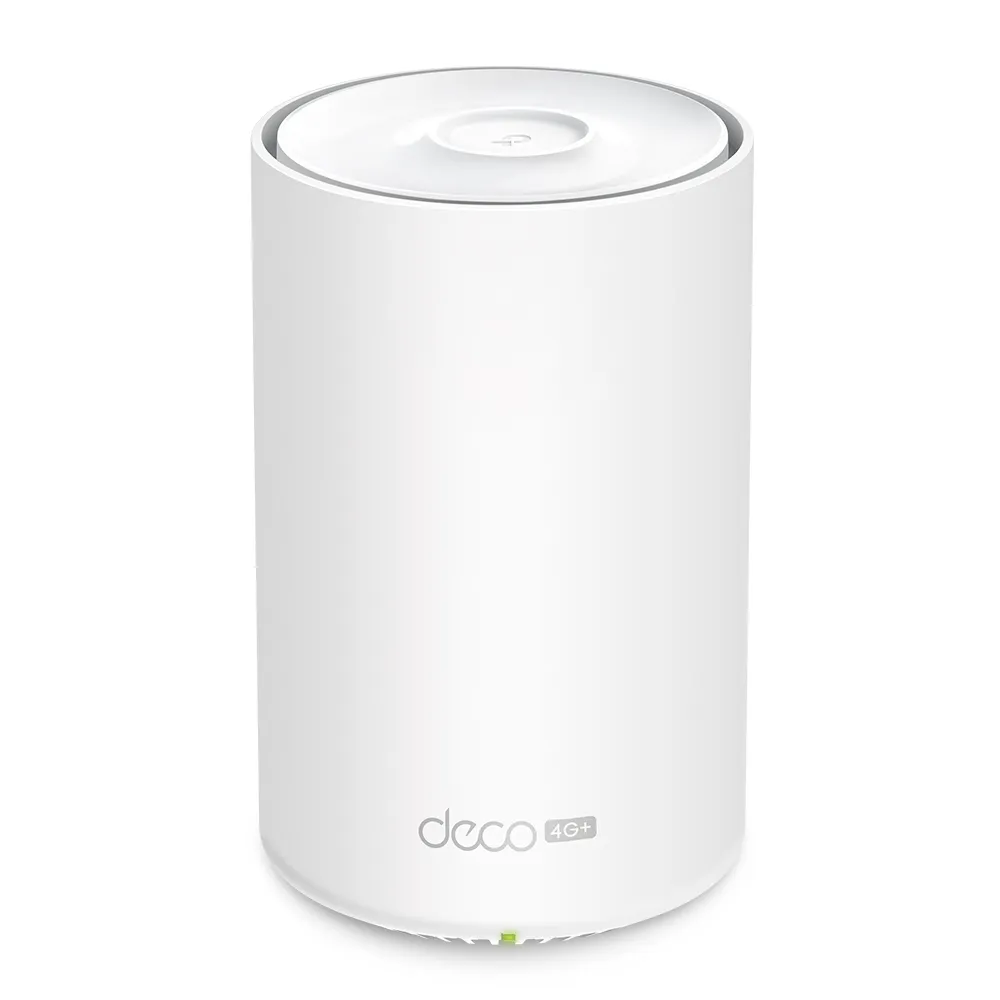
Both provide AX3000 Wi-Fi 6, but their mobile connections and wired ports differ. They also have different enclosures. The X50-5G is the larger gateway at 210.5 × 130 × 123 mm; the X50-4G is a slimmer tower at 105 × 105 × 167 mm. Check the regional model and hardware version before buying, particularly a used unit: the X50-5G name covers materially different revisions.
Cellular Modem Architecture: Check the Revision
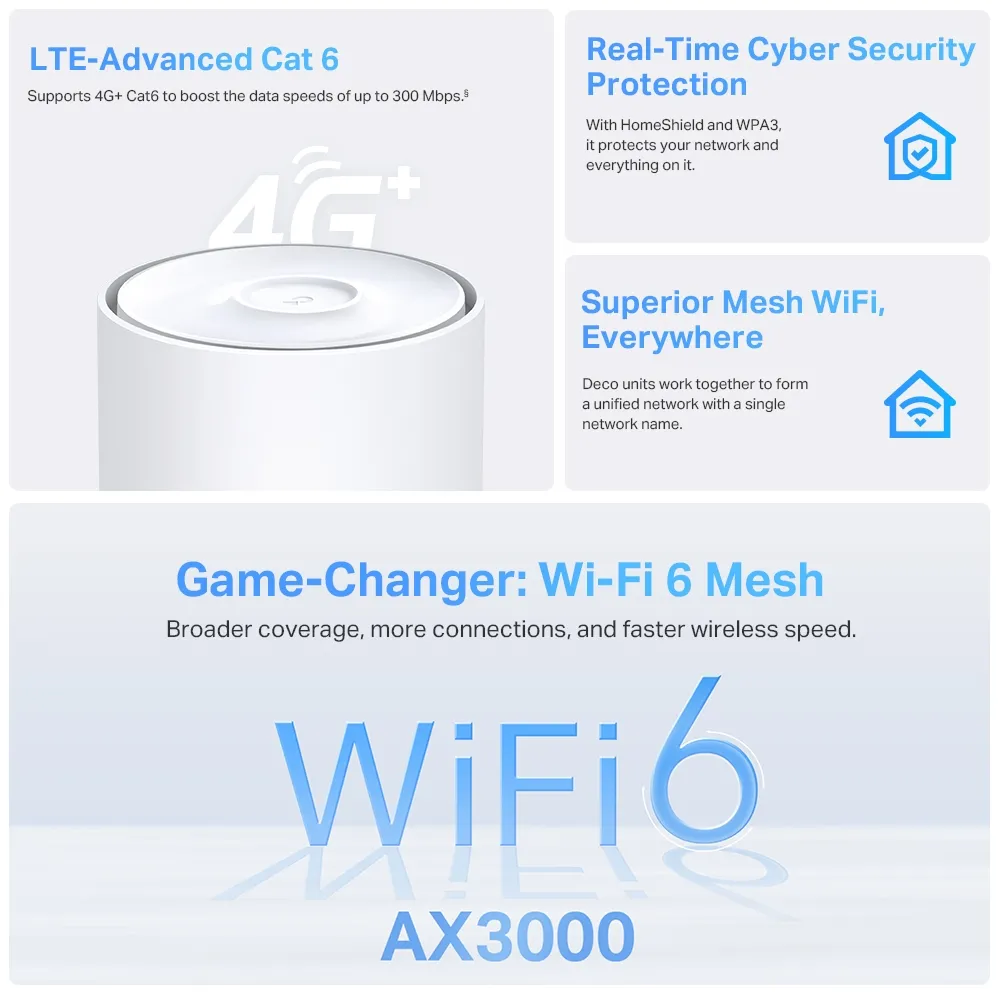
The X50-4G uses LTE-Advanced Cat 6 with a published maximum cellular download rate of 300 Mbps. That is separate from its roughly 3,000 Mbps combined Wi-Fi class. An AX3000 label does not turn the mobile modem into a 1.2 Gbps modem.
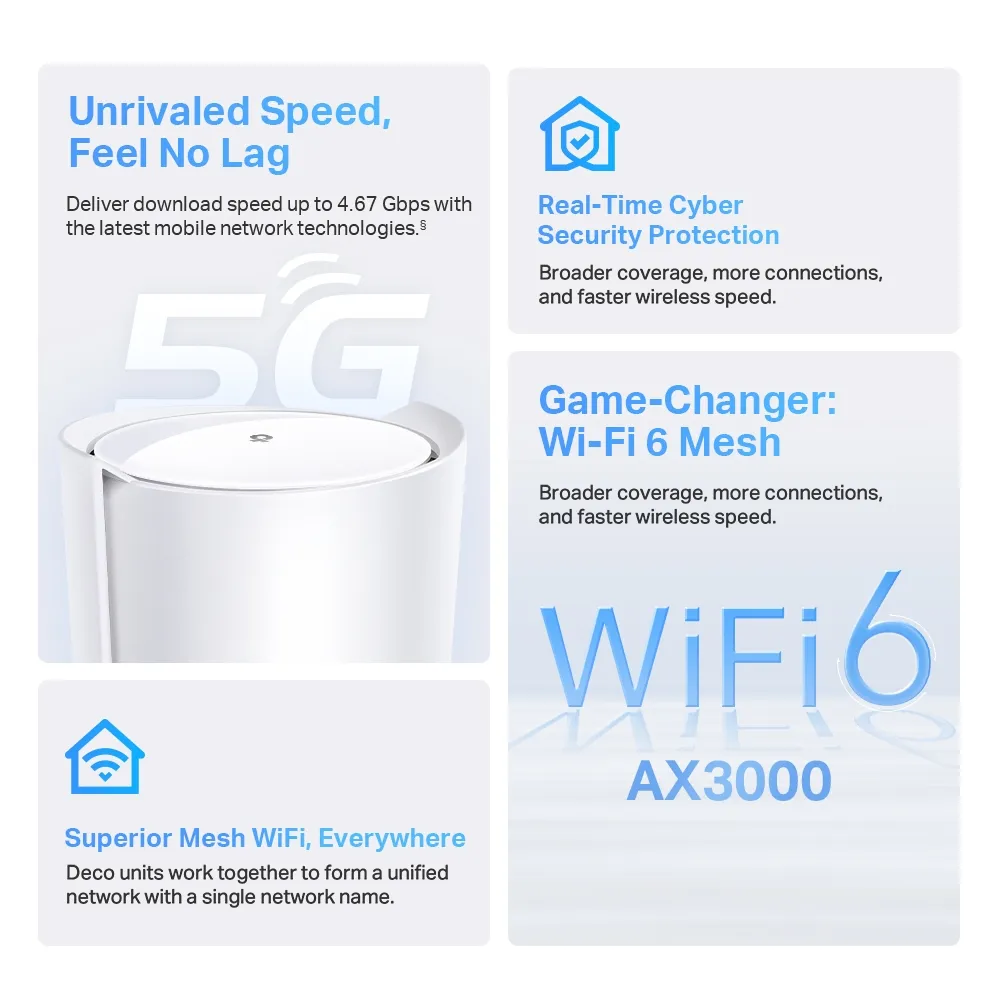
For the X50-5G, TP-Link's EU V1.20 datasheet lists theoretical mobile rates of 3.4 Gbps down and 900 Mbps up. The September 2024 EU V2.0 datasheet instead lists 4.67 Gbps down and 1.25 Gbps up. These are modem ceilings under suitable network conditions, not speeds promised to a household. The original V2 feature graphic below uses the newer rating. Ask the retailer to confirm the version on the actual unit.
A 5G gateway can also use supported 4G networks, but a 5G badge is not enough to establish compatibility. Compare the exact regional frequency-band list with your operator, confirm that the SIM plan permits router use, and check the operator's coverage at the property. A map is only a starting point: indoor reception, congestion, the plan's speed policy and local tower capacity still determine service.
Hardware Specifications Comparison
The figures below describe the documented EU hardware; local certification and firmware can differ.
| Feature | Deco X50-5G | Deco X50-4G |
|---|---|---|
| Cellular download ceiling | V1.20: 3.4 Gbps; V2.0: 4.67 Gbps | LTE Cat 6: 300 Mbps |
| Wi-Fi radios | 2.4 GHz and 5 GHz, Wi-Fi 6 | 2.4 GHz and 5 GHz, Wi-Fi 6 |
| Wi-Fi physical rates | 574 + 2402 Mbps; AX3000 | 574 + 2402 Mbps; AX3000 |
| Ethernet | One 2.5 Gigabit plus two Gigabit WAN/LAN ports | Three Gigabit WAN/LAN ports |
| SIM | Nano-SIM | Nano-SIM |
| External cellular antennas | Two interfaces; V1 RP-SMA female, V2 SMA female | Two interfaces; EU V2 package lists SMB-to-SMA adapters |
Neither of these documented models lists an RJ11 telephone socket. Do not buy one expecting the telephony features of a different Deco cellular gateway. The antenna totals also vary across X50-5G revisions; counting internal antennas is not a reliable substitute for checking usable ports, supported bands and the modem version.
Ethernet and Mesh: Two Separate Bottlenecks
Both models have dual-band Wi-Fi rather than a separate third backhaul radio or 6 GHz Wi-Fi. Their Wi-Fi 6 features include MU-MIMO and OFDMA; MU-MIMO and OFDMA help explain how compatible clients share airtime. Neither guarantees a particular range or a simultaneous download rate for every device. The 2402 Mbps 5 GHz rate also depends on compatible clients and permitted 160 MHz channels.
The X50-5G's single 2.5 Gigabit port is useful for a suitable wired connection. If that port is your fixed-broadband WAN, its other wired connections remain Gigabit. If it connects a fast LAN device while cellular is active, the mobile network may still be slower than that port. A fast modem rating is not a fast NAS-to-PC result.
Both can join other Deco units and use Ethernet backhaul. Place the cellular main unit for good mobile reception, then use satellites to reach rooms where Wi-Fi is weak. A cable can avoid sharing wireless airtime on the inter-node link, but the slowest port along that cable remains a limit. Adding nodes cannot fix a congested cell tower. Roaming also depends on client support and behavior; a shared network name is not a guarantee that every call survives movement.
Check Responsiveness Where You Will Use It
We favor the X50-5G for demanding use where a good 5G service is available, but it does not guarantee lower ping than every 4G connection. For remote desktop, calls and gaming, compare latency variation, packet loss and upload performance as well as download speed. Test the same wired device, location and remote service at quiet and busy times. Repeat with the application you actually use; a speed test alone does not describe a video meeting.
For a homelab, ask the operator whether the plan provides a reachable public address or uses carrier NAT. Port forwarding on Deco cannot by itself make a server reachable through an upstream address-sharing service. Confirm remote-access requirements with your provider before treating cellular as a replacement for the WAN hosting your services. Large backup uploads should also be considered against the plan's allowance, rather than left to consume the backup connection automatically.
External Antennas: Match the Actual Connector
Try sensible indoor placement before purchasing antenna equipment. TP-Link recommends external cellular antennas when the built-in arrangement cannot obtain a sufficiently good signal. These interfaces serve the mobile modem, not the home's Wi-Fi coverage. An antenna cannot add a frequency band that the modem does not support.
Connector compatibility matters. TP-Link's staff guidance distinguishes RP-SMA on X50-5G V1 from SMA on V2; they are not interchangeable simply because the thread looks similar. The EU X50-4G V2 datasheet lists two SMB-to-SMA adapters in the package. Check your supplied adapters and model documentation before ordering leads.
Match both antenna connections and operating bands, consider cable loss, and compare results before and after changing placement or orientation. A long coaxial run can undermine an outdoor antenna's advantage. Follow the current external-antenna guide and your firmware's available controls: TP-Link describes enabling the external antennas locally, and its separate backup guide also describes that setting. Do not change operating mode casually if the unit currently supplies a wired-WAN backup service. Third-party antenna performance is not guaranteed.
Configure and Test the Backup Path
TP-Link's current backup guide requires the cellular Deco to be the main unit in Wi-Fi Router mode, with an active compatible SIM. Enable 4G/5G Backup through the Internet Backup settings; older software may label the menu differently. Check the fixed WAN-port option for wired clients and use the offline-detection settings provided by your model. The documented methods include DNS lookup, or DNS lookup with ping.
There is no justified universal six-to-ten-second failover promise here. Changing internet paths can change your public address and interrupt VPNs, calls or existing connections. Test an outage and restoration yourself, including a wired client, and note what reconnects automatically. Keep sufficient data allowance, check the SIM PIN behavior after a restart, and revisit the backup periodically so an expired plan is discovered before an outage.
Which One Fits Your Connection?
Choose the X50-5G when your operator, location and plan can benefit from 5G, or its 2.5 Gigabit interface serves a real need. We still see it as the more appealing option for heavier use under those conditions. Choose the X50-4G for a more affordable backup or a holiday property where useful LTE service is available and 5G brings little practical benefit. Compare local prices and recurring data costs before paying for capability your connection cannot use.
Visit the original official pages for the Deco X50-4G and Deco X50-5G, then select your region and hardware version for support. Reliable backup is a combination of reception, a suitable plan, correct configuration and testing; the modem generation is only one part.