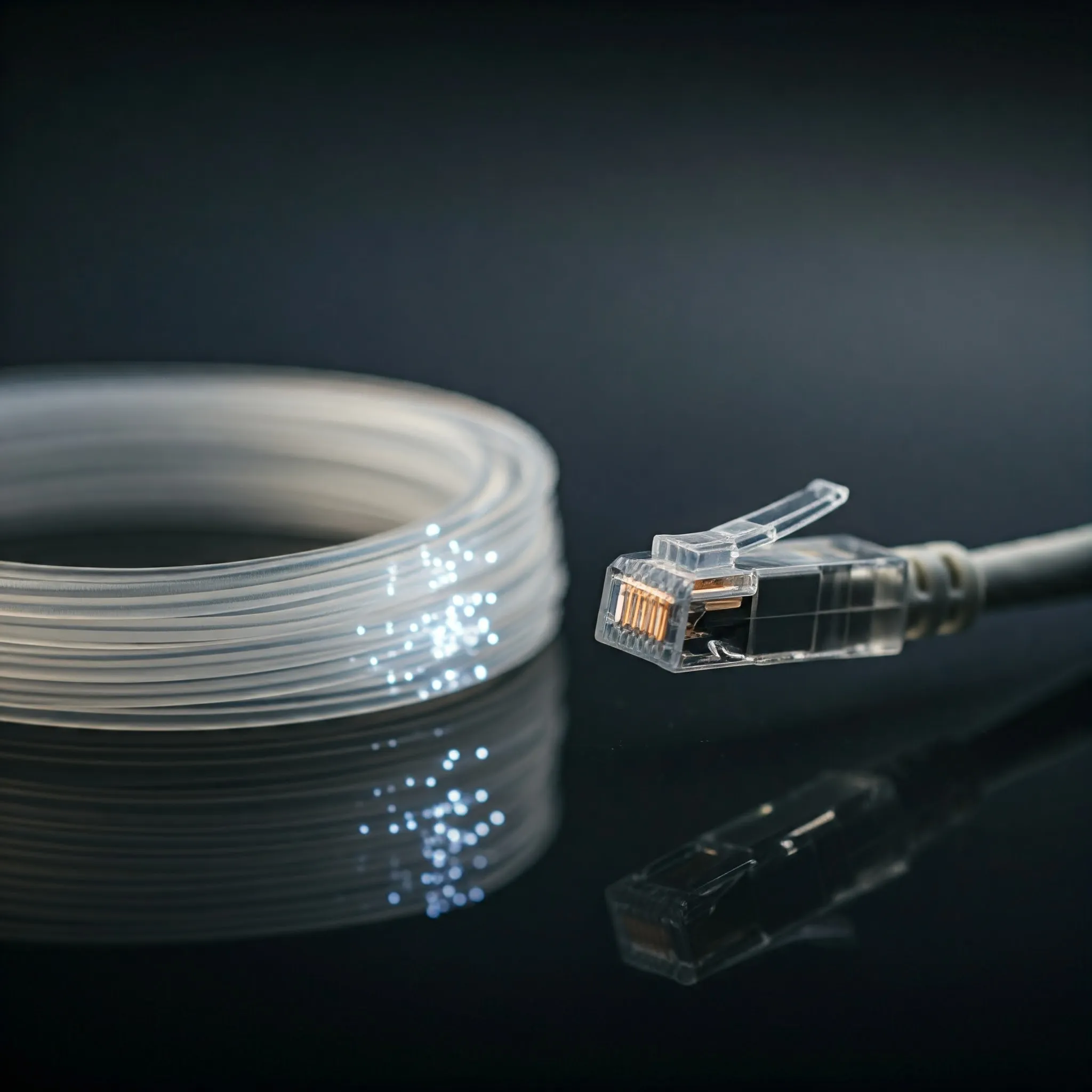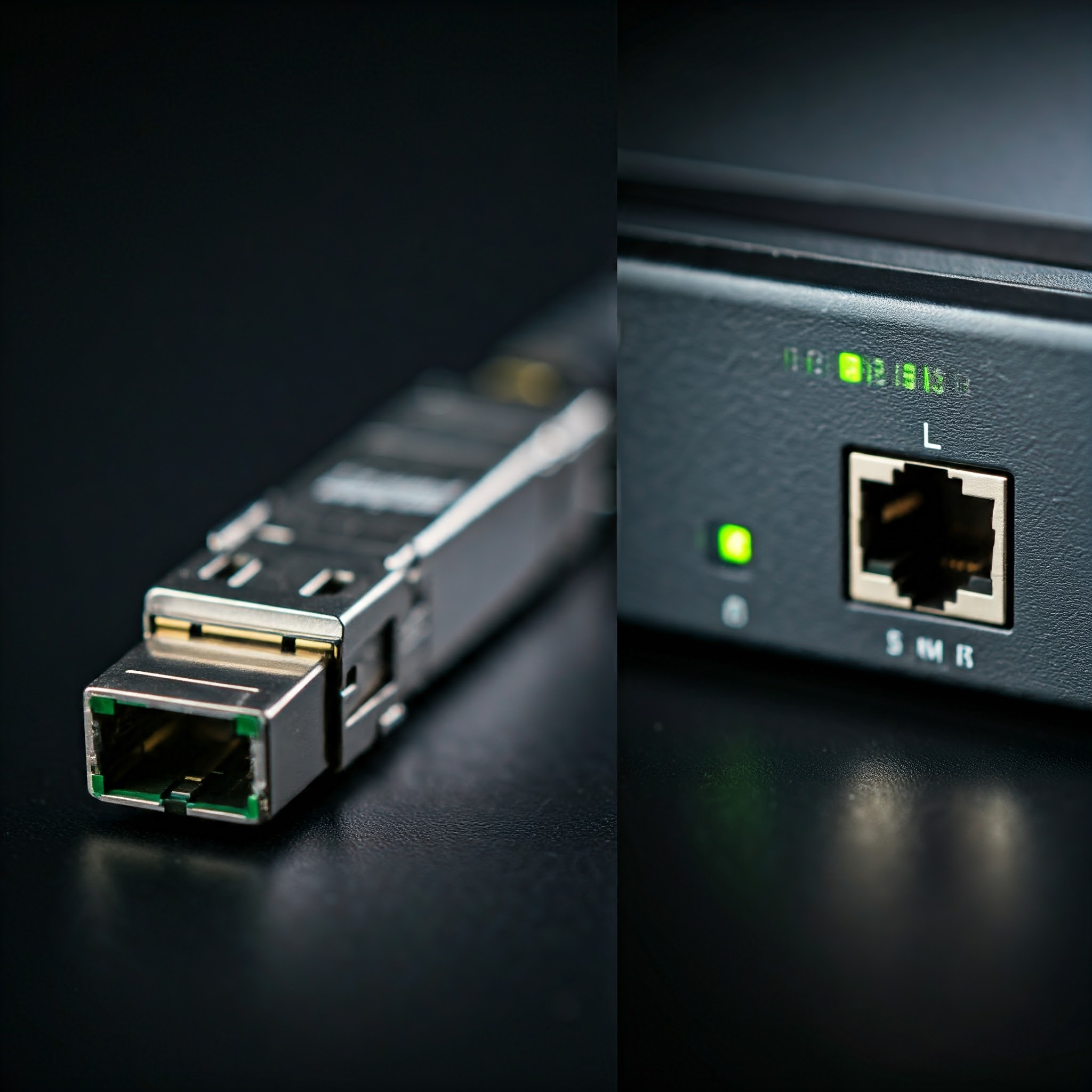
SFP stands for Small Form-factor Pluggable, and it's a type of port that allows network devices to connect to each other. Ethernet can run over fiber as well as twisted-pair copper. Compared with a fixed RJ45 Ethernet port, SFP ports can accommodate different types of network connections—either fiber optic or copper—depending on what type of module is plugged into the port.
SFP ports are typically found on high-end networking equipment like switches, routers, and network interface cards (NICs). They’re often used in enterprise networks, data centers, and sometimes even in high-speed home networks.
How Do SFP Ports Work?
Unlike fixed RJ45 Ethernet ports, SFP ports require SFP modules, which are small devices that plug into the SFP port to connect it to the rest of the network. These modules allow flexibility because you can swap them out to accommodate different types of cables and speeds. For example, you can connect to a network using fiber optics for long distances or standard copper cables for short distances.
SFP ports don’t do much on their own; they are essentially interfaces. The module or cable assembly determines the medium, but the host port, supported speeds and software also constrain the link. A module cannot upgrade a host beyond the rates it supports.
Different Types of SFP Ports and Their Cable Options
There are several types of SFP ports, and the type of SFP module you use will depend on your needs—whether you need longer distances, faster speeds, or different types of cables. Let's break down the most common types:
1. SFP (Standard SFP)
- Common Ethernet Rate: 1 Gbps (gigabit per second). SFP is a form-factor family, not a promise that every host or module supports every protocol or rate.
- Cable Options:
- Fiber optic cables (single-mode or multi-mode)
- Copper cables (with an SFP to RJ45 module)
Use Case: Standard SFP modules are common for gigabit networks where the distance between network devices varies, and you might want to use either fiber or copper depending on the situation.
2. SFP+ (Enhanced SFP)
- Common Ethernet Rate: 10 Gbps; check the supported rates of the particular host and module.
- Cable Options:
- Fiber optic cables (for longer distances)
- Copper cables (Direct Attach Copper or DAC for short distances)
Use Case: SFP+ is often found in data centers or other settings where higher speeds (10 Gbps) are required.
3. SFP28
- Common Ethernet Rate: 25 Gbps; lower-speed compatibility depends on the host and module.
- Cable Options:
- Fiber optic cables
- Direct Attach Copper (DAC)
Use Case: This type is ideal for high-speed connections within data centers where 25 Gbps networking is needed.
4. The QSFP Family (Quad SFP)
- Rate Depends on the Variant: QSFP+ commonly supports 40GbE; higher-rate QSFP variants are different interfaces. A QSFP cage is not interchangeable with a single-lane SFP cage.
- Cable Options:
- Fiber optic cables
- Direct Attach Copper (DAC)
Use Case: Used for high-speed links; certain supported 40GbE ports and cable types can break out to four 10GbE links. Breakout depends on the host and optical/cable standard, not just connector shape.
What is SFP-DD?
SFP-DD means Small Form-factor Pluggable Double Density. It uses two electrical lanes, compared with the single-lane SFP family. It should not be confused with QSFP-DD, the separate eight-lane family. The original SFP-DD MSA announcement describes a two-lane design for high-density networking.
Its aggregate rate depends on the lane technology, module and supported host implementation. Lane count alone is not an Ethernet speed specification. The interface is designed to accommodate legacy SFP modules, but the host must still support their rates and management requirements.
A normal SFP+ port does not gain SFP-DD capabilities by swapping a module. Double-density equipment needs the appropriate connector and host circuitry. For most homelab purchases, the useful starting question is the actual switch or NIC’s supported port rates, not the newest form-factor name.
Why Were SFP Ports Created?
SFP ports were created to offer flexibility in networking environments. Before SFP ports, most network equipment had fixed copper or optical interfaces, meaning you had to choose in advance what kind of connection you wanted. SFP ports allow the user to choose and change based on the type of module they plug into the port. This flexibility is useful when you need a different supported cable type or reach. A faster module only helps if the host port supports that rate; otherwise the switch or NIC may also need upgrading.
Why Would You Use SFP Ports?
There are a few key reasons you’d opt for SFP ports:
- Distance: SFP ports are great for long-distance networking. If your devices are far apart, you can use fiber optic cables with an SFP module to maintain high speeds over distances that would be impossible with copper Ethernet cables.
- Flexibility: You can easily switch between fiber and copper connections based on your needs by changing out the SFP module.
- Scalability: Within the host’s capabilities, a different module can change medium or reach. Increasing speed may require a different host port, switch or NIC.
SFP Ports vs. RJ45 Ethernet Ports (Cat5e/Cat6/Cat6A)
Most people are familiar with RJ45 ports, the standard Ethernet ports that connect to Cat5e/Cat6/Cat6A cables. Let’s break down the differences and when to use each:
1. Cable Type
- SFP Ports: Can use either fiber optic cables or copper cables, depending on the SFP module.
- RJ45 Ports: Only use copper Ethernet cables (Cat5e/Cat6/Cat6A).
2. Speed and Distance
- SFP Ports: With fiber optic cables, a suitable optical interface can support longer distances than a comparable copper link. Reach depends on the standard, fiber, connectors and optical budget; not every fiber module is a kilometer-range optic.
- RJ45 Ports: Common fixed twisted-pair Ethernet ports support rates such as 1, 2.5, 5 or 10 Gbps. A suitable 10GBASE-T channel using Cat6A can reach 100 meters, but an SFP+ RJ45 module may have a much shorter specified reach.
3. Flexibility
- SFP Ports: Extremely flexible since they can switch between copper and fiber connections. This makes SFP ports ideal for network setups that may need upgrading or changing over time.
- RJ45 Ports: Less flexible as they only support Ethernet cables.
4. Cost
- SFP Ports: Compare the full link cost: both endpoints, transceivers or cable assembly, installation and existing cabling. A short DAC can be economical, while long optical runs have different costs.
- RJ45 Ports: Often convenient when suitable copper cabling already exists. Prices depend on the required rate and equipment; RJ45 is not always the cheapest total link.
5. Use Case
- SFP Ports: Better for high-performance, long-distance connections. If you're running a data center, enterprise network, or any application that demands high speeds over long distances, SFP is the go-to.
- RJ45 Ports: Perfect for home or small office networks where the distances are short, and the network speed requirements are lower (1-10 Gbps).
Comparison of Fiber, DAC, and Normal CAT Cables with SFP Ports
SFP (Small Form-Factor Pluggable) ports are a type of modular interface commonly used in networking equipment to connect various types of cables. Here's a comparison of the three main types of cables used with SFP ports:
1. Fiber Optic Cables
- Advantages:
- Long distances: Can transmit data over much longer distances compared to copper cables.
- High bandwidth: Can support high rates with appropriate optics and hosts; fiber alone does not make a connection faster.
- Immunity to interference: The optical signal is immune to electromagnetic interference, although active endpoint electronics still need appropriate installation.
- Disadvantages:
- Higher cost: Generally more expensive than copper cables.
- Installation complexity: Preterminated patch cables can be straightforward to connect; terminating or testing an installed run may require specialist tools and skills. Respect bend radius and keep connectors clean.
- Common SFP types: SFP+, SFP28, SFP-DD
2. Direct Attach Copper (DAC) Cables
- Advantages:
- Short distances: Ideal for connecting devices within a rack or a few meters.
- Lower cost: Less expensive than fiber cables for short distances.
- Easy installation: Plug-and-play simplicity.
- Disadvantages:
- Limited distance: Not suitable for long-distance connections.
- Susceptible to interference: Can be affected by EMI and RFI in certain environments.
- Common SFP types: SFP+, SFP-DD
3. Normal CAT Cables (Cat5e, Cat6, Cat6A)
- Advantages:
- Versatility: Can be used for various networking applications.
- Widely available: Easily accessible and affordable.
- Simple installation: Compatible with standard RJ45 connectors.
- Disadvantages:
- Limited distance: Shorter distances compared to fiber cables.
- Susceptible to interference: Can be affected by EMI and RFI.
- Host and cable limits: Check the supported Ethernet rate and channel length; the connector alone does not determine useful bandwidth.
- Common SFP types: SFP, SFP+
Conclusion: When to Choose SFP Ports Over RJ45
SFP ports are the premium choice for networking when you need long-distance connections, higher speeds, or the flexibility to switch between fiber and copper. On the other hand, RJ45 Ethernet ports with Cat5e/Cat6/Cat6A cables are a more cost-effective and straightforward solution for most home and office networks that don’t require the performance boost of fiber optics.
If you’re setting up a home network or a small office, you’ll likely be fine with RJ45 Ethernet ports and Cat5e/Cat6/Cat6A cables. However, if you're managing a large-scale network, particularly in data centers or enterprises where long distances and higher speeds are crucial, modular ports can provide useful flexibility within the host’s supported capabilities. Check the full link rather than treating a pluggable cage as a promise of future speeds.
Whether you’re upgrading your network or building a new one, knowing the difference between SFP and RJ45 is essential for making the right decision!
Choosing a 10GbE SFP+ Link for a Homelab
Begin with the ports at both ends, the actual cable route and any cabling already installed. The following gives examples of reach, not a compatibility or performance guarantee for every product:
| Connection | Example reach | What to check |
|---|---|---|
| Direct Attach Copper (DAC) | Short rack-scale links; length depends on active/passive cable and host support. | Compatibility at both molded ends, supported speed and the cable’s actual length rating. |
| 10GBASE-SR multimode optics | Up to 300 m on OM3 or 400 m on OM4 for the referenced Cisco modules. | Matching SR optics, fiber grade, connectors and total link loss. |
| 10GBASE-LR single-mode optics | Up to 10 km for the referenced LR modules. | Matching LR interfaces, suitable single-mode fiber and optical budget. |
| SFP+ RJ45 transceiver | Model-specific; Cisco SFP-10G-T-X specifies up to 30 m at 10Gbps. | Copper cable quality, speed support, host power budget and cooling. |
Those optical reaches come from the Cisco module datasheet. Different fiber grades can reduce SR reach substantially, so do not buy a patch lead only by its color. For short links, check minimum reach and receiver limits too: higher-powered long-range optics may need attenuation and are not automatically better.
RJ45 transceiver power and heat are product-specific. For example, MikroTik documents its S+RJ10 at an average 2.7 W for a 10GBASE-T 30 m link and recommends spacing these modules apart in the described equipment. That is a reason to check the actual cooling guidance, not a universal temperature or “leave one port empty” rule for every module.
For an inter-building link, all-dielectric fiber avoids an electrical data path between endpoints. Cable armor, other copper paths, outdoor suitability and building requirements still matter; a fiber patch lead is not a complete lightning-protection design. Compare an appropriate installed cable and termination plan rather than assuming the advertised optic reach makes a household patch cable suitable for burial.
Compatibility Before Buying Modules
- Check the exact host: Read the switch or NIC’s supported rate and module list. Some SFP+ hosts accept 1Gbps modules, others have restrictions; 2.5Gbps support cannot be assumed. A PON/ONT stick also requires suitable protocol, host and ISP provisioning, not simply a similarly shaped slot.
- Match the optical standard: Ordinary duplex SR must connect to a compatible SR interface on appropriate multimode fiber; LR uses its specified single-mode link. For bidirectional single-fiber modules, buy the complementary transmit/receive wavelength pair, not two identical wavelength directions.
- Check coding and firmware: MSA compliance and physical fit do not guarantee vendor acceptance. The Intel X710 guidance explicitly restricts optical module support and lists compatible DAC requirements. Check both ends separately, including branded or OEM variations, rather than relying on a seller’s generic vendor-profile label.
- Count the whole purchase: A duplex fiber link normally needs two compatible optics and the correct cable. A DAC contains both ends. Include connector type, installed path, spare parts, power and cooling rather than comparing a single optic with a complete cable assembly.
Checking a New Link
After fitting supported hardware, check that both ends report the expected link rate. Read module diagnostics where supported, including temperature, transmit/receive optical power and error counters. A link light shows a connection, not proof of clean performance.
If the link stays down, start with host support, matching speed and optical standard, correct fiber polarity and seating. For intermittent problems, compare errors and diagnostics with a known compatible cable or module, changing one part at a time. Record exact part numbers and firmware when requesting support.
Finally, test a relevant local transfer and consider the rest of the path. A 10GbE link can still be limited by storage, CPU, another switch uplink or a slower client. The best choice is the one that fits the complete network, with modular flexibility where you need it and straightforward RJ45 where it already works well.