A home or small-office network can contain many computers, phones and smart devices. Each needs an address so traffic reaches the right destination, yet a household often has only one public IPv4 address. Network Address Translation (NAT) helps bridge that difference. Understanding its mappings also explains why browsing works while an incoming connection to a homelab service may fail.
WAN and LAN: The Two Sides of the Router
A LAN is the local network connecting your devices. A WAN connects networks over a wider area; the internet is a familiar example, but WAN does not automatically mean public addressing. A router's WAN port can receive a private or shared address from another router or the provider.
Home IPv4 LANs commonly use the private ranges 10.0.0.0/8, 172.16.0.0/12 or 192.168.0.0/16, defined in RFC 1918. Other networks can reuse these addresses. A private address is meaningful within its routing context and is not a globally unique destination on the public internet.
How NAT Works
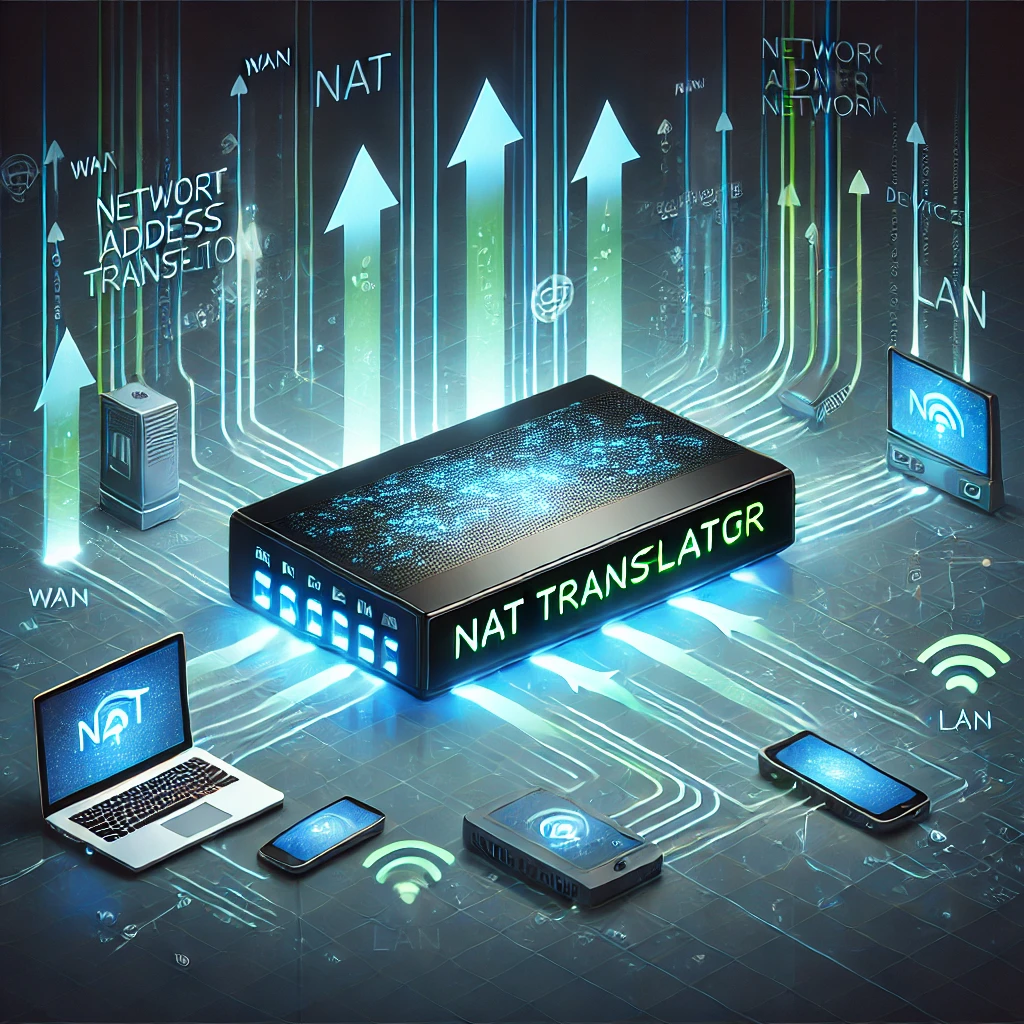
In ordinary home IPv4 sharing, the gateway replaces a client's source address with an external address and maintains a mapping for return traffic. It also commonly translates TCP or UDP source ports. RFC 3022 calls this Network Address Port Translation (NAPT); router documentation often calls it PAT or NAT overload. Basic NAT can translate addresses without this many-to-one port sharing.
Suppose a laptop at 192.168.1.20 sends from TCP port 5001 to a web server. A phone at 192.168.1.21 can also use source port 5001. The gateway can represent those two flows using different external source ports on its shared address, then reverse the relevant translation for replies. These are illustrative values, not ports you must configure.
A mapping belongs to an endpoint or flow, rather than necessarily one HTTP request. Multiple requests can share a connection. TCP and UDP are separate protocols, and a NAT may preserve a source port when possible. It does not assign a permanently unique number to every device, and an external port number alone does not identify a person.
Where NAT Runs
Your main home router commonly performs NAT, but translation can also occur on a firewall, a virtual gateway or provider equipment. A Wi-Fi access point operating as a bridge usually passes traffic to the existing gateway rather than creating another routed IPv4 network. Check the actual operating mode, not just the product's name.
NAT translates addressing; routing selects the next hop, DHCP supplies client configuration, DNS resolves names, and firewall policy controls access. One box often provides all these functions, making them easy to confuse. A DNS failure or weak Wi-Fi link is not automatically a NAT failure.
Common Translation Arrangements
These terms describe different aspects of translation, so they are not a universal list of four mutually exclusive NAT types:
| Arrangement | Purpose | What to check |
|---|---|---|
| Outbound NAPT/PAT | Several IPv4 clients share an external address using address/port mappings. | Gateway, connection state and the upstream addressing path. |
| Destination NAT / port forwarding | Selected incoming traffic is translated towards an internal service. | Protocol, external port, target address and separate firewall permission. |
| Static address mapping | A fixed external/internal address relationship, commonly called one-to-one NAT. | Applicable direction, interfaces and access policy; a mapping does not mean all ports are allowed. |
| Hairpinning / NAT reflection | A local client reaches a local target using its external mapped address. | Router support, DNS answer and the return path. |
A UDP forwarding rule is not a TCP rule merely because the number is the same. Reserve the internal service address through the appropriate DHCP/static configuration so a restart does not send the forwarding rule to another device.
NAT and Security
A dynamic translation normally needs an applicable mapping before incoming traffic can reach a private client. The exact filtering behavior varies; RFC 4787 distinguishes mapping from filtering. It is misleading to say NAT invariably accepts only replies to the exact request you sent.
Address rewriting does not encrypt data, remove malware or authenticate users. Forwarding rules and automatic mappings can deliberately expose services. RFC 4864 explains that translating address bits is not a security mechanism in itself. Keep an explicit firewall policy and protect the services it permits.
Likewise, sharing an address does not make devices invisible or browsing anonymous. Accounts, application content and other identifiers can reveal activity. Check updates and authentication on a camera or smart-home service instead of assuming its private address makes it safe.
Double NAT and Carrier-Grade NAT
Two household routers both operating in router mode can create two translation layers. Browsing may still work, while incoming mappings require a working path through both. Provider-side carrier-grade NAT adds an upstream layer you generally cannot configure from your own router.
RFC 6598 reserves 100.64.0.0/10 as shared address space, distinct from RFC 1918 private space. Seeing an address in that block on WAN is a useful clue to investigate provider addressing. A private WAN address or a difference from an external IP checker can also mean an upstream household router, a VPN or another arrangement. Neither observation by itself proves the provider's exact topology.
Compare addresses for the same IPv4 path with any VPN understood, inspect the modem/router layout and ask the ISP whether it supplies a public address and permits inbound connections. A home forwarding rule cannot create a missing mapping on the provider's NAT. DDNS updates a name; it does not remove that upstream obstacle.
Options for Homelab Access
If supported by the ISP, a public IPv4 address can make deliberate incoming forwarding possible; a changing public address can still work with suitable DNS updates. A static address is convenient but does not guarantee that ports are unblocked or the service is secure.
Another option is a private overlay such as Tailscale, connecting enrolled devices under its access rules. Cloudflare Tunnel uses outbound connector connections and has different private/public application workflows. These are not interchangeable with unrestricted inbound access. Check supported protocols, client requirements, authentication and the provider's terms.
IPv6 can provide globally routed addressing without ordinary IPv4 address-sharing NAT when both ends and the ISP support it. You still need reachable routes and an appropriate IPv6 firewall policy. “No NAT required” does not mean “no firewall required” or that every remote client supports IPv6.
Local Access and Hairpinning
If a public hostname works over mobile data but fails on home Wi-Fi, check the local DNS answer and NAT reflection support. Netgate's documentation describes split DNS as an alternative: local clients receive the service's private address, while external clients receive its public destination.
The same hostname can then reach the appropriate path without hairpinning. The server still needs the intended certificate and port. If internal and external ports differ, a DNS answer alone does not translate the port. Test name resolution, connection and application login separately.
Gaming NAT Labels
Open, Moderate, Strict and numbered NAT labels are platform-specific tests, not the translation categories in the table above. Do not assume PlayStation, Xbox and Nintendo labels are equivalent. A restrictive result can involve mapping/filtering behavior, blocked traffic or upstream NAT; it is not proof of double NAT by itself.
Follow the platform's current network test and support guidance. TP-Link's double-NAT example uses bridge mode on a particular upstream gateway and transfers PPPoE/VLAN requirements to the remaining router. Back up settings and confirm ISP credentials before such a change. Access-point mode on a second router is another design choice, but changes which device handles routing and features.
UPnP or a deliberate forwarding rule may help an application's incoming path; neither guarantees a particular console label or fixes CGNAT automatically. Avoid exposing every port or disabling the firewall just to obtain an “Open” result.
Troubleshoot One Path at a Time
- Confirm the application works at its local address and intended port.
- Check the server's listener, host firewall and current internal address.
- Map the routers and WAN addresses; identify the device controlling each translation layer.
- Review one precise protocol/port rule and its associated firewall permission.
- Test from a genuinely external connection. A home-Wi-Fi test may exercise hairpinning instead.
- Inspect logs or connection state, then remove temporary rules after testing.
Connection mappings can expire, and router restarts can discard their state. A reconnect after inactivity is different from a service that was never reachable. Record the time, protocol and endpoints of a failure before changing several settings at once.
Conclusion
NAT makes ordinary IPv4 address sharing practical, but understanding the surrounding routing, DNS and firewall policy is what helps diagnose a homelab connection. Start with the actual network path and the service you want to reach. Clear mappings and focused checks are more useful than treating NAT as a security guarantee or a universal explanation for every network problem.