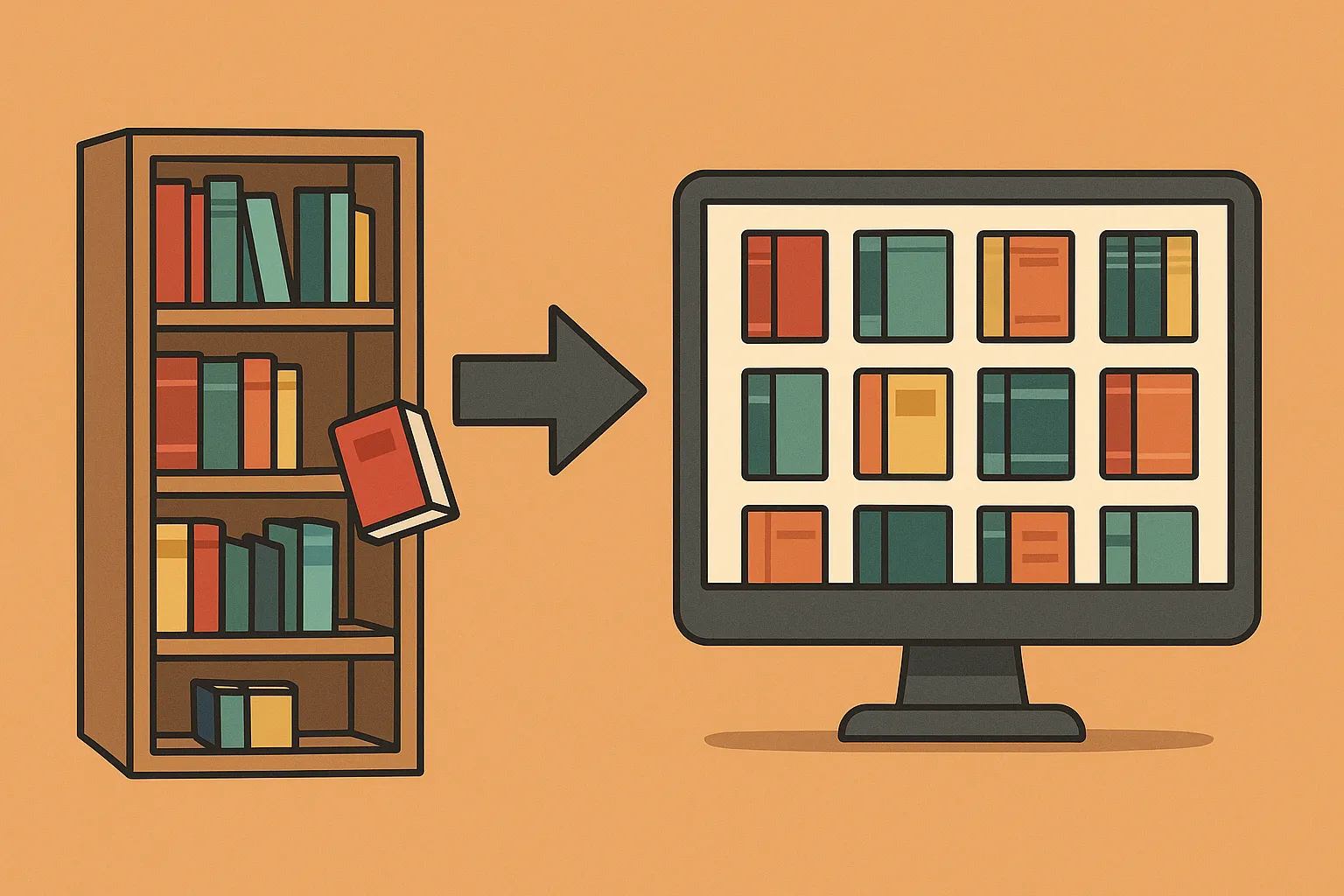
Homebox helps you keep an inventory of the things in your home: where they are, what they are, and the documents you may need later. It can be useful for a box of spare network equipment as well as appliances, tools and furniture. Its value comes from the records you maintain, rather than automatically discovering possessions or organising every file on a server.
What Homebox Organises
The maintained Sysadmins Media project continues the original Homebox. It supports locations, tags, custom information, photographs, documents, purchase details and warranty tracking. The older Hay-kot documentation remains a useful historical reference; use current instructions for a new installation.
An inventory record can answer a practical question such as, “Where is the spare access point, and which power supply belongs to it?” Attach a photograph, model and serial number, then record its shelf or storage box. The photograph identifies the object; a receipt supports purchase information. Homebox does not know that you moved the object unless someone updates its record.
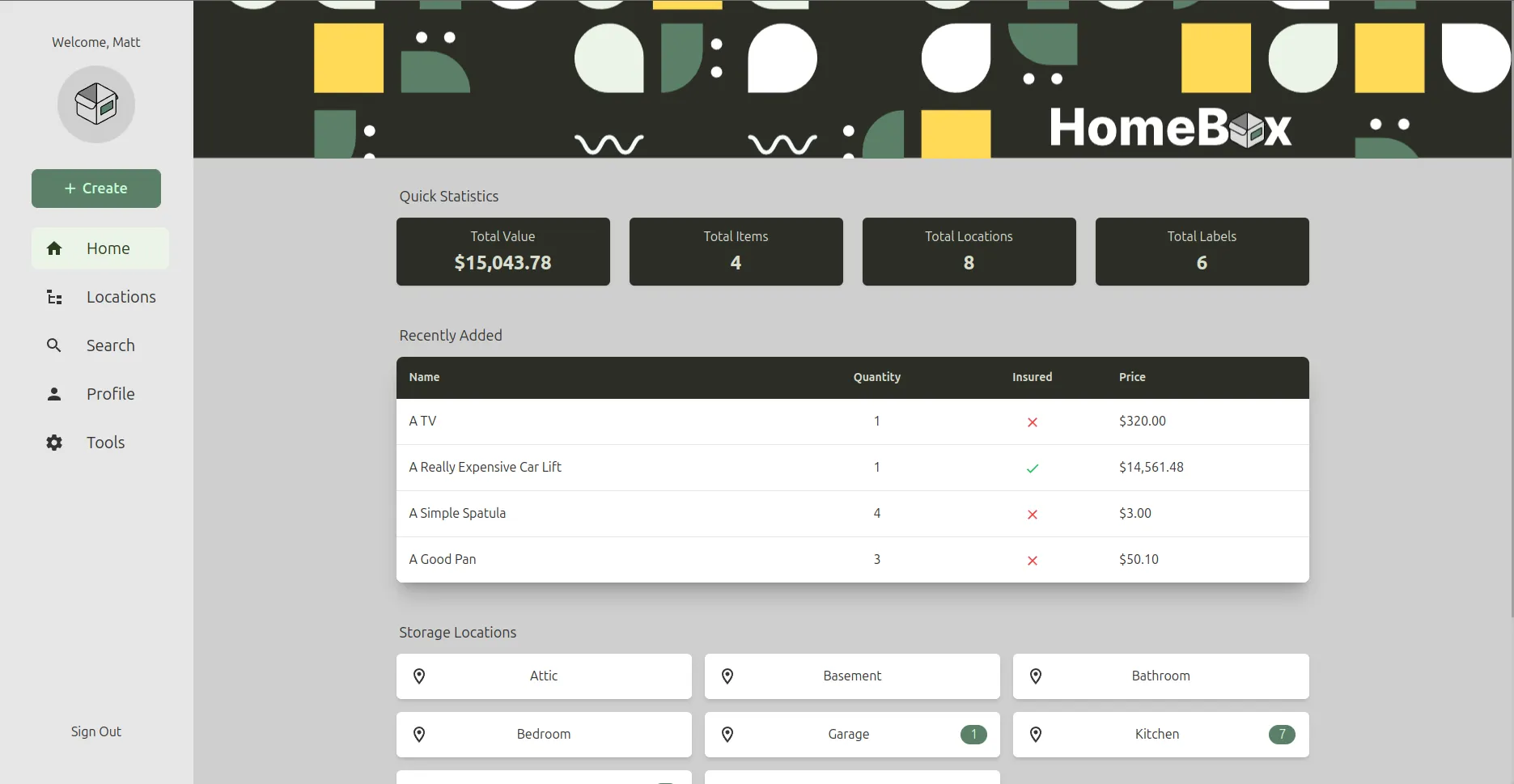
The retained screenshot shows the interface captured for the original article. Later releases can use different labels and layouts. Follow the concepts of objects, locations and attachments rather than assuming every button in a newer release occupies the same position.
Prepare a Small Private Installation
Install Docker Engine and the Compose plugin using the instructions for your operating system. The original Docker link is retained; the Engine installation guide has distribution-specific steps. A generic apt install docker is not a reliable substitute for those instructions.
This example is for a fresh SQLite deployment using the maintained Homebox image. It does not upgrade an existing Hay-kot installation. The release notes document significant database changes and a required API-key pepper in the 0.26 series. Back up an existing installation and follow its migration guidance before changing images.
Create a dedicated directory with a compose.yaml, a private .env and a data directory. Generate a random secret with openssl rand -base64 48, then paste the result into the environment file:
HBOX_AUTH_API_KEY_PEPPER=REPLACE_WITH_YOUR_GENERATED_SECRETKeep this secret with your recovery configuration. Do not put it in a public repository or change it casually after creating API keys. The value must be a genuinely random secret of at least 32 characters, not the literal example text.
services:
  homebox:
    image: ghcr.io/sysadminsmedia/homebox:0.26.2
    restart: unless-stopped
    env_file:
      - .env
    environment:
      TZ: Africa/Johannesburg
    ports:
      - "127.0.0.1:8080:7745"
    volumes:
      - ./data:/data
The host uses port 8080 and the container uses 7745. The /data mount persists the SQLite installation's data; the earlier second /config mount was not a documented requirement. Version 0.26.2 is a deliberate release example, not a claim that it will remain the newest supported version. Check later release and security notes before choosing a version for a new deployment.
docker compose config --quiet
docker compose up -d
docker compose ps
docker compose logs --tail=100 homebox
Open http://localhost:8080 on the Docker host and create your account. The loopback mapping keeps this initial service on that host. For access from a phone or another computer, arrange private connectivity or an authenticated HTTPS proxy deliberately; changing the mapping to all interfaces changes who can reach it.
Build an Inventory You Can Maintain
Start with one shelf or one cupboard. Create a location with a name you would naturally search for, then add five representative objects. Avoid entering the whole house before deciding what information you actually need. A small pilot reveals awkward naming, missing fields and duplicate records while they are still easy to fix.
For a spare switch, record its model, port count, purchase source and storage location. Add a photograph of the serial label and a receipt, where available. If you do not know the purchase date or price, leave it unknown rather than inventing a precise value. Consider a custom field for the power adapter or a note explaining which accessories are stored elsewhere.
Use tags for a second way of finding objects, such as networking, tools or warranty documents. Keep location names separate from categories: a garage is a place, while a cordless drill is a kind of object. A consistent naming scheme is more useful than dozens of nearly identical tags.
After moving an item, update its location immediately. Mark sold or discarded equipment in a way that preserves information you may still need. An inventory that includes objects you no longer own can mislead the next person looking for them.
Labels and Phone Checks
Homebox includes label and scanning features, but do not assume that every printer or barcode workflow will work without setup. Generate a test label, print it at the intended size and scan it from the phone you actually use. Check that it opens the intended record and that the phone can reach the Homebox address.
A QR code is a shortcut to a record, not a backup or an independent copy of its photographs. If it contains a server URL, changing that hostname can affect old labels. Prefer a stable address before printing a large batch. Confirm that authentication and access permissions still apply after scanning.
Place labels where they remain readable and do not obscure a manufacturer's serial number or safety information. For a box, a readable human label remains useful when the server is unavailable. Do not place private purchase information directly on a label visible to visitors.
Protect and Recover the Inventory
Receipts, serial numbers and photographs can reveal more about a household than expected. Limit accounts to the people who need them, use unique passwords and control registration using settings supported by your installed version. The configuration reference explains the available options; check the version boundary when comparing it with a newer release.
Before depending on the inventory, restart the container without removing its data and confirm that the sample objects and attachments remain. Check one account, a search, a photograph and a receipt. These are suggested verification steps, not a claim that this example was deployed on a TechDecode server.
Back up the database and attachment storage consistently, along with the Compose file and private settings. For this simple SQLite example, stopping the service while copying its data directory avoids copying a database midway through writes. Keep a second copy away from the server and test a restore into an isolated instance with a different port.
An export can help with portability, but verify what it contains; a list of item names alone cannot restore receipts and photographs. A useful recovery test confirms the records, relationships and several actual attachments. Read migration notes before an upgrade, particularly across database changes.
Homebox complements document storage and file-sharing tools. Choose it for finding physical belongings and their records; choose a document system for broader document workflows. The strongest home inventory is the one you can keep accurate without turning every update into a large project.