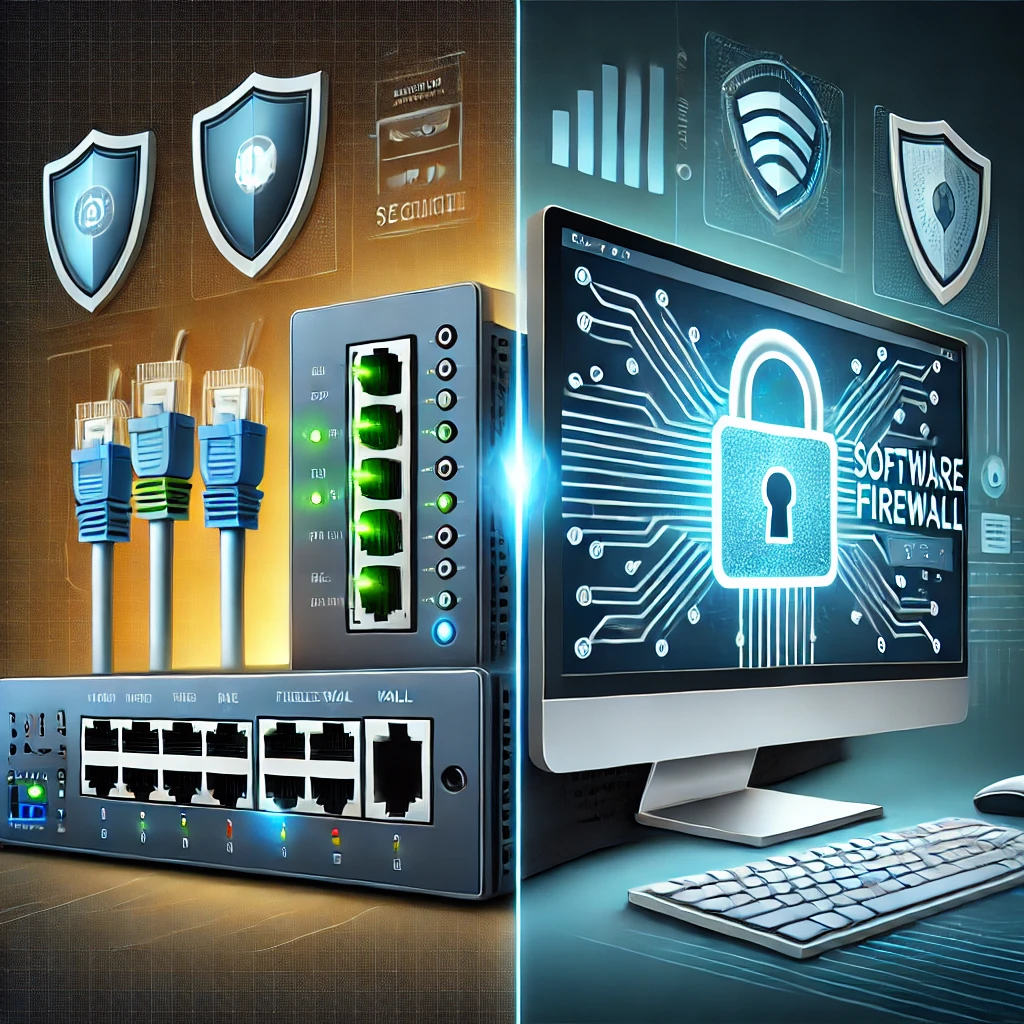
Previously we looked at what a Firewall is and how it works. Here we compare a network gateway appliance with a firewall running on an endpoint. Both use software to enforce rules. The practical differences are where the traffic is inspected, which policies are supported and how the system is maintained.
What Is a Firewall?
A firewall is a security tool designed to monitor and control incoming and outgoing network traffic based on predetermined security rules. Think of it as a barrier or gatekeeper that decides what data can enter or leave your network. By blocking unauthorized access and potentially harmful data, firewalls help protect your devices and sensitive information from cyber threats.
How Does a Firewall Work?
Firewalls analyze data packets—small units of data that travel over a network. Basic rules inspect addresses, ports, protocols and connection state. Application inspection or malware detection requires additional capabilities and access to the relevant traffic. If the data meets the firewall’s security rules, it’s allowed to pass through; otherwise, it’s blocked.
Here's how it works:
- Traffic Monitoring: The firewall evaluates traffic on the interfaces or host paths where it is active. Local switch traffic or another device’s connection may bypass it.
- Rule Enforcement: It enforces a set of security rules. These rules determine which traffic is allowed to pass through and which is blocked.
- Optional Threat Detection: An enabled IDS/IPS or application-inspection feature may analyze supported traffic for suspicious activity; this is not a property of every packet filter.
- Blocking Threats: A matching deny rule or enabled prevention rule can block traffic; an alert-only detection rule records an event without necessarily blocking it. A permitted connection is not proof that its content is harmless.
What Is a Hardware Firewall?
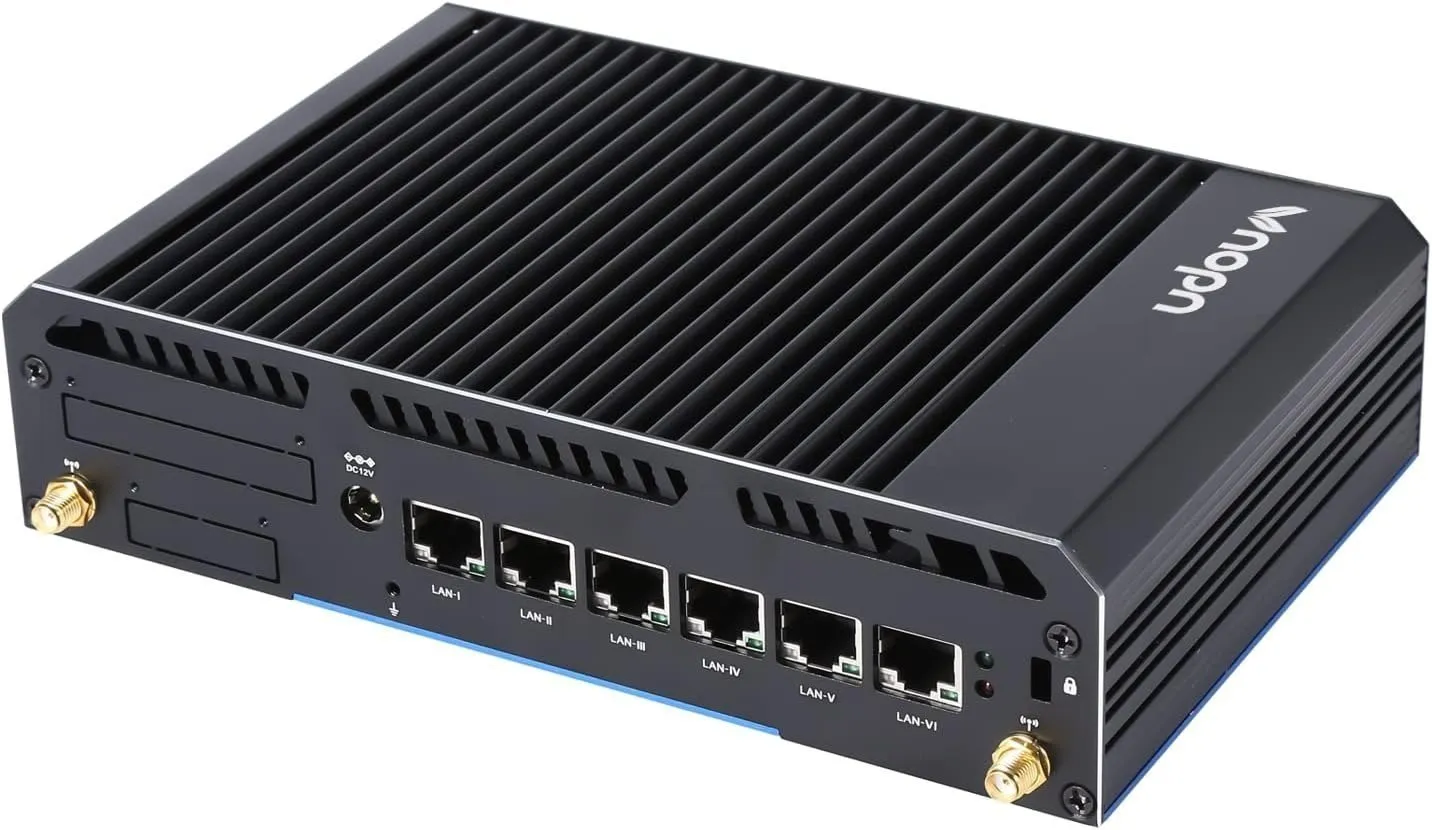
A hardware firewall is a physical device that acts as a gateway between your internal network and the internet. It’s often built into routers or sold as standalone appliances.
Key Features:
- Operates independently of your devices.
- Enforces policy for devices’ traffic that crosses its network interfaces; it does not inspect every interaction within a LAN.
- Often includes advanced features like intrusion detection systems (IDS) and virtual private network (VPN) support.
Use Cases:
- Small businesses or enterprises with multiple devices and users.
- Homes with smart devices (IoT) that need centralized protection.
- Users who can maintain a dedicated gateway and its rules; advanced appliances still require configuration.
What Is a Software Firewall?
For this comparison, a software firewall means a host firewall in an individual computer or server’s operating system. It controls supported traffic paths on that device. Availability and rules differ by platform; a phone is not automatically able to run the same firewall tools as a Linux server.
Key Features:
- Customizable rules for specific applications or services.
- Alerts and logs about suspicious activities on the device.
- A broader security suite may bundle antivirus, but the firewall function and malware scanner perform different jobs.
Use Cases:
- Individuals who primarily use a single device for online activities.
- Users who need tailored protection for specific programs or services.
- People who want detailed visibility and control over their device’s traffic.
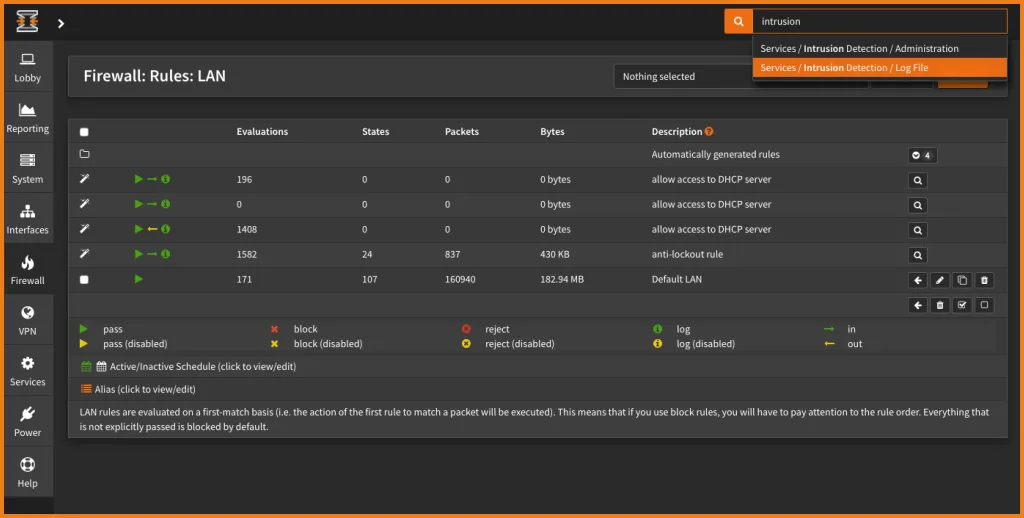
The OPNsense screenshot below illustrates gateway firewall software. It can run on an appliance or in a VM; it is not an example of an application firewall installed on every desktop.
Differences Between Hardware vs. Software Firewalls
| Feature | Hardware Firewall | Software Firewall |
|---|---|---|
| Location | Physical device at network level | Program on individual devices |
| Scope | Controls traffic crossing the gateway | Protects individual devices |
| Performance | Filtering work uses appliance resources; its capacity can limit network throughput | May use system resources |
| Ease of Use | Requires setup and configuration | May be built into the OS; rules, profiles and updates still need review |
| Cost | A separate appliance adds cost; an existing router may already provide filtering | Often free or subscription-based |
| Customizability | Depends on the platform; many appliances support detailed policy | Rule capabilities depend on the OS and software |
Considerations: Hardware vs. Software Firewalls
Hardware Firewall:
- Pros:
- Central policy for traffic passing through the gateway, including devices that cannot run a host firewall.
- Less strain on individual device resources.
- Ideal for networks with multiple users and devices.
- Cons:
- Higher upfront costs.
- Requires technical knowledge to set up and manage.
- Customization depends on the appliance's operating system, not merely its physical form.
Software Firewall:
- Pros:
- Often included in the operating system or offered as part of a security suite.
- Application or service rules where the platform supports them.
- Provides detailed insights into device-specific activity.
- Cons:
- Protects only the device it’s installed on.
- Consumes resources on the host; impact depends on configuration and workload.
- Requires frequent updates and monitoring.
Clarifying Firewall Appliances vs. Firewall Operating Systems
In the homelab world, the line between "hardware" and "software" firewalls often blurs because firewall operating systems such as OPNsense (whose interface is shown above) and pfSense can be installed onto a dedicated physical mini PC with dual Intel Ethernet ports—turning it into a dedicated network hardware firewall appliance—or run inside a Proxmox virtual machine.
- Network Perimeter Firewall (Hardware Appliance / Gateway): Sits between your ISP modem/ONT and your LAN switch. It filters traffic that crosses that gateway—including smart TVs, IoT sensors, and game consoles that cannot run security software of their own.
- Host-Based Firewall (Software Firewall): Runs inside the operating system of an individual computer or server (such as Windows Defender Firewall, macOS Application Firewall, or Linux
ufw/nftables). Windows and Linux tools can offer inbound and outbound policy. The built-in macOS Application Firewall focuses on incoming connections. Process-aware rules and IP/port rules differ by platform. It can restrict lateral access from another local device, but cannot guarantee that every attack is prevented.
Defense-in-Depth: Why You Should Run Both
Network and endpoint filtering can complement each other. Evaluate both where they cover different paths:
- At the Network Edge: Use your router's built-in stateful firewall—or upgrade to a dedicated OPNsense, pfSense, or Ubiquiti gateway—to enforce the intended inbound policy and routed zone rules. VLANs and separate Wi-Fi names need actual isolation settings; they are not an automatic deny policy.
- On Individual Endpoints & Servers: Keep Windows Defender Firewall enabled on laptops (especially when traveling on public Wi-Fi where your home hardware firewall isn't present!) and configure the appropriate host, hypervisor and container-network rules on Linux systems. Verify the actual exposed ports instead of assuming one host-firewall setting covers every container path.
Choose by Traffic Path, Not the Hardware Label
Ask where the traffic goes before choosing a product. A dedicated gateway can filter internet traffic and traffic routed between VLANs. A laptop's host firewall travels with that laptop. Traffic between two machines on the same local subnet may never pass through the gateway, so the endpoint rule remains relevant even in a home with a capable appliance.
| Situation | Control to evaluate | Practical check |
|---|---|---|
| A laptop on hotel Wi-Fi | Host firewall and public-network profile | Unneeded local sharing stays unavailable |
| IoT device accessing the NAS subnet | Routed gateway policy | Only documented controller interactions are allowed |
| Another computer on the NAS's own subnet | NAS host/service access rules | Management accepts only permitted sources |
| A published Docker application | Container publishing plus host/network policy | Test reachability from the intended and unintended networks |
Dedicated Appliance or Virtual Gateway?
A dedicated appliance separates the household's gateway from a general-purpose server's maintenance cycle. A virtual gateway can be useful for learning or a carefully designed homelab, but its availability depends on the hypervisor, virtual networking and the host starting correctly. OPNsense documents virtual installations; being supported as a VM does not remove those operational dependencies.
Before virtualizing your main gateway, plan access when the VM is off. Can you reach the hypervisor's management interface without the gateway it hosts? Are WAN and LAN interfaces clearly separated? Is there a local console and a known configuration backup? Practicing recovery with a lab topology is more useful than discovering a circular management dependency during an outage.
Compare capacity using your own requirements: internet speed, VPN traffic, inter-VLAN transfers and enabled inspection features. Interface speed alone is not an assurance of filtered throughput. Keep a record of the workload and settings when comparing results, and include power use, replacement hardware and maintenance time in the decision.
Verify the Endpoint Layer Too
On Windows, the Domain, Private and Public profiles can have different policies. A quick read-only PowerShell check is:
Get-NetFirewallProfile -PolicyStore ActiveStore |
  Select-Object Name, Enabled, DefaultInboundAction, DefaultOutboundAction

Get-NetConnectionProfile |
  Select-Object Name, InterfaceAlias, NetworkCategory
The first command reads the effective policy store; the second shows connection profiles so you can relate the policy to an active network. Treat these as a starting point: enabled profiles do not show every exception or prove a port is unreachable. Review the effective rules and test the service from an allowed and a disallowed source. Microsoft's management guide explains profile defaults and rule configuration. Do not disable the whole firewall because one application needs access; identify the program, required connection direction and allowed source.
For containers, Docker explains that its port-publishing rules can interact with host filtering in ways UFW users may not expect. Keep private services unpublished where possible, and test the actual access path after a change. The useful comparison is therefore which layer enforces each intended rule and how you maintain it, rather than declaring one physical form universally more customizable or secure.
Conclusion
Firewalls are essential tools for protecting your data and devices from cyber threats. I regard a hardware gateway as useful for centralized rules in a home with many devices or a more complex network, and a host firewall as useful for tailored device control. Those are complementary roles. Their protection depends on the actual traffic path, configuration and maintenance.
Ultimately, the best choice depends on your specific needs. In some cases, combining both types of firewalls can provide a layered security approach, offering the best of both worlds. By understanding the strengths and limitations of each, you can make an informed decision to safeguard your digital life.