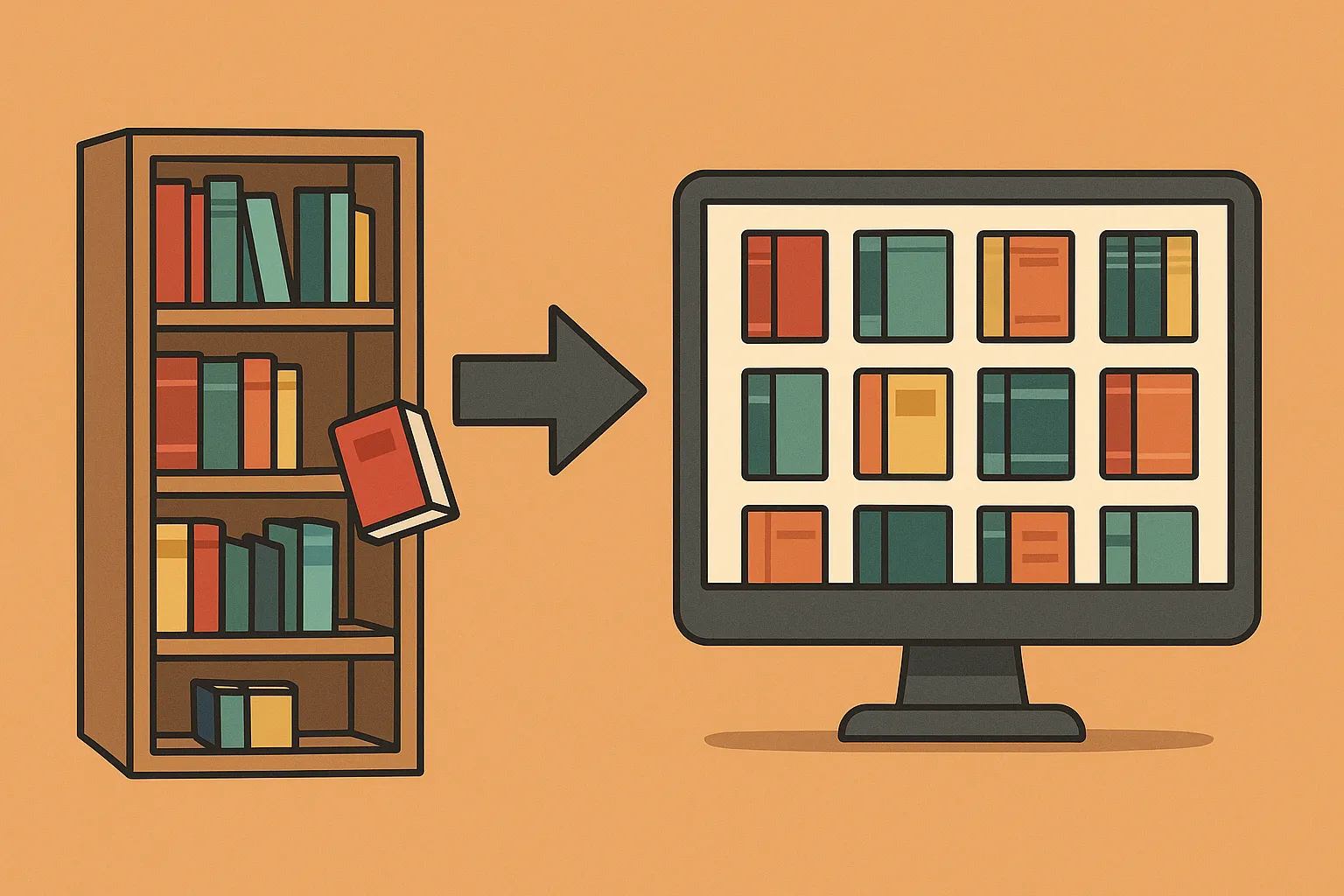
TriliumNext Notes is an innovative note-taking application designed to help you capture, organize, and navigate your ideas with ease. Whether you're a student, a professional, or just someone who loves keeping their thoughts organized, TriliumNext offers a versatile solution that works both online and offline. In this post, we'll explore what TriliumNext is, how it works, its key features, and why it might be the perfect fit for your digital workspace or even your homelab.
What is TriliumNext Notes?
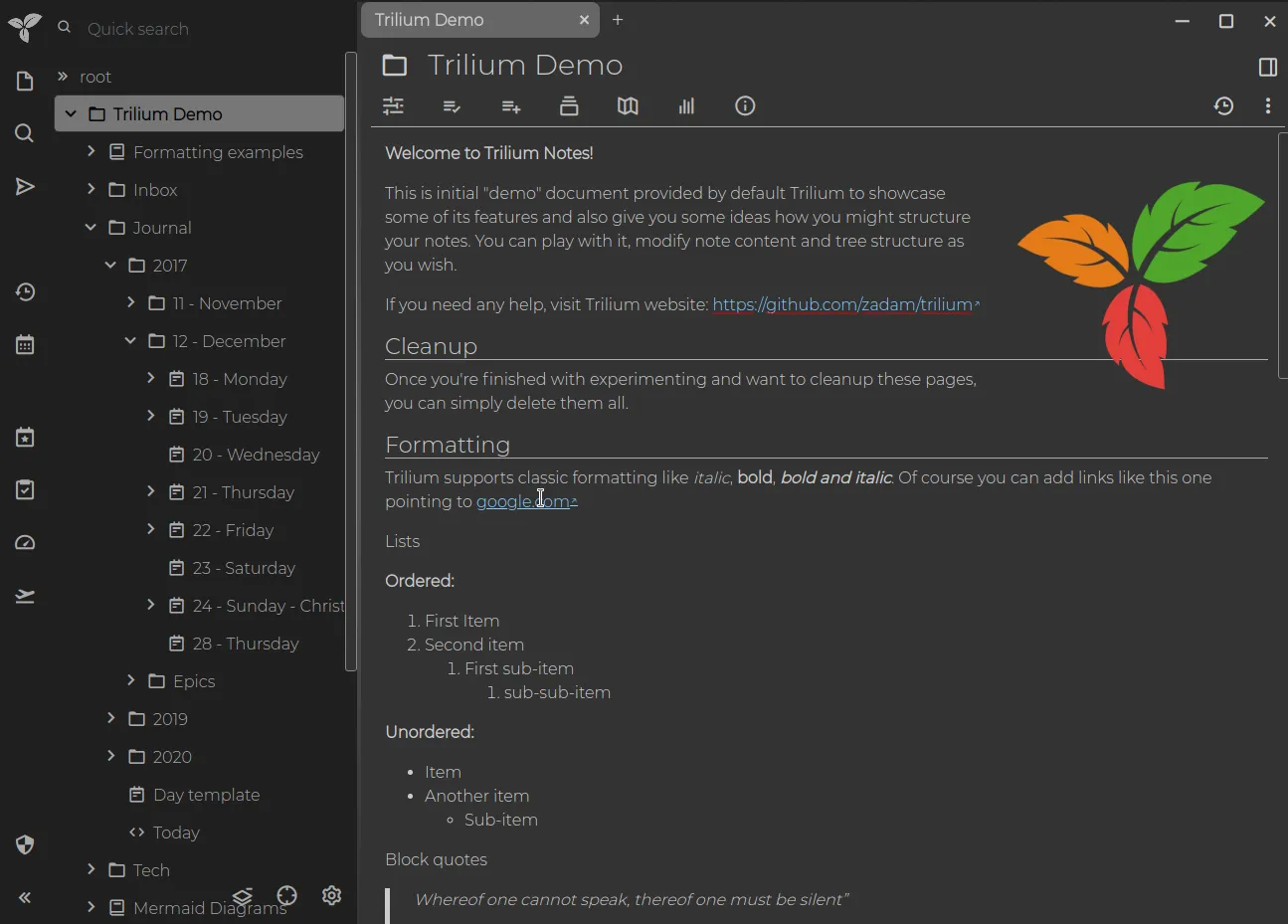
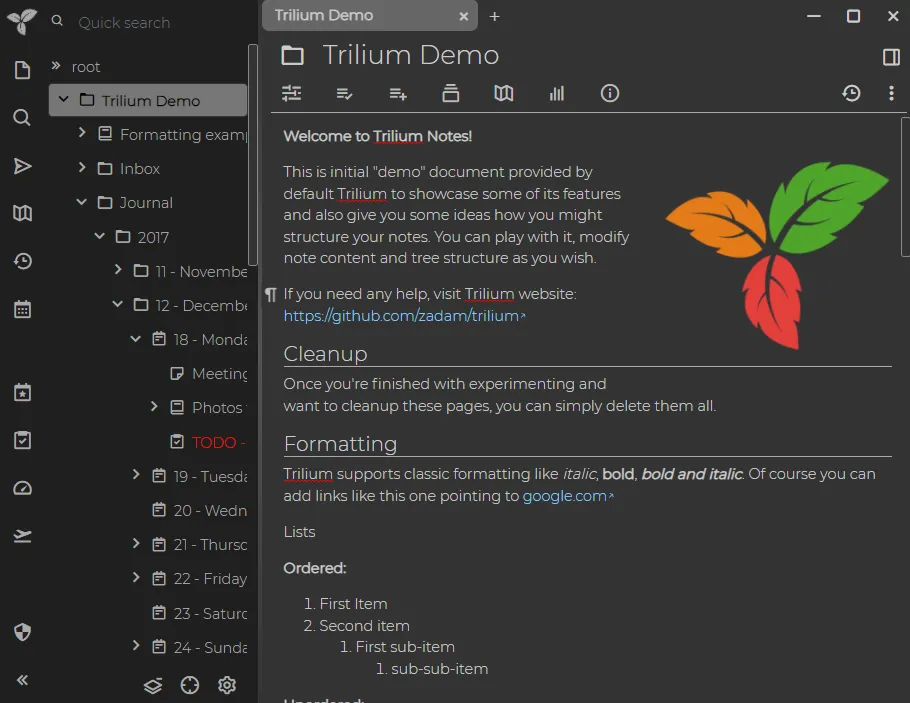
TriliumNext Notes is a modern note-taking and knowledge management tool that evolved from its predecessor, Trilium. Think of it as an advanced digital notebook where your notes can be arranged in a tree-like structure, making it easy to organize topics, subtopics, and related ideas. Unlike traditional note-taking apps, TriliumNext emphasizes a flexible structure that adapts to the way you think, making it perfect for personal knowledge management.
How It Works
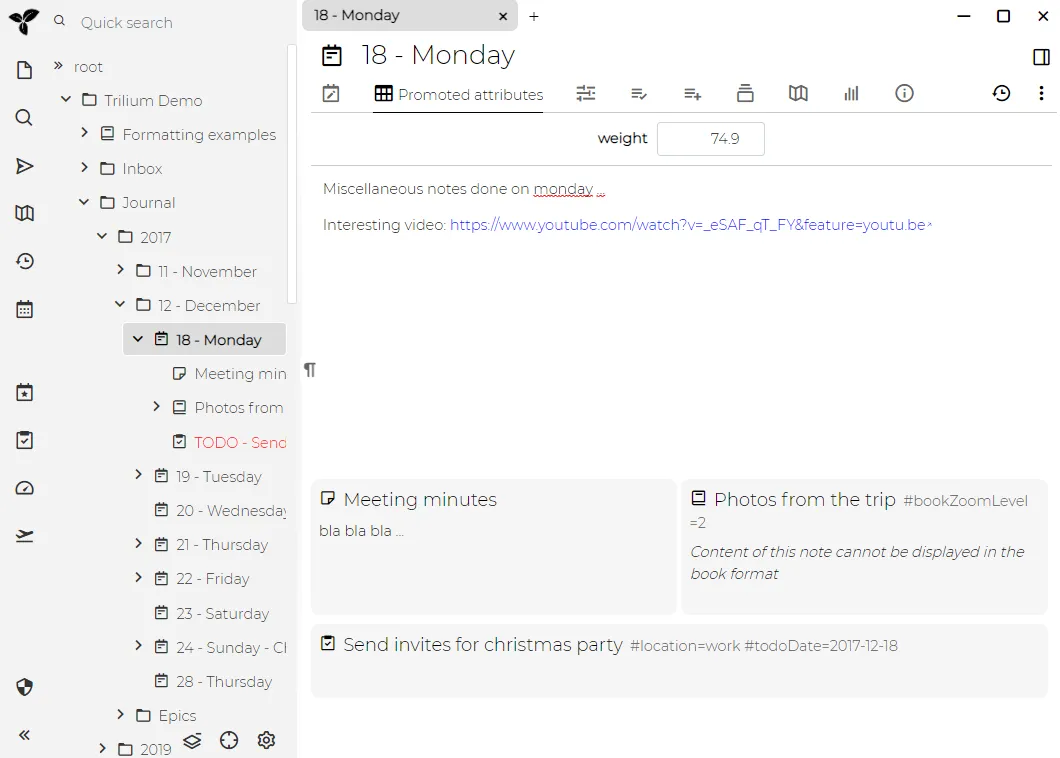
- Hierarchical Organization: Instead of a flat list of notes, TriliumNext uses a tree structure. This means you can create parent notes and nest related sub-notes underneath them.
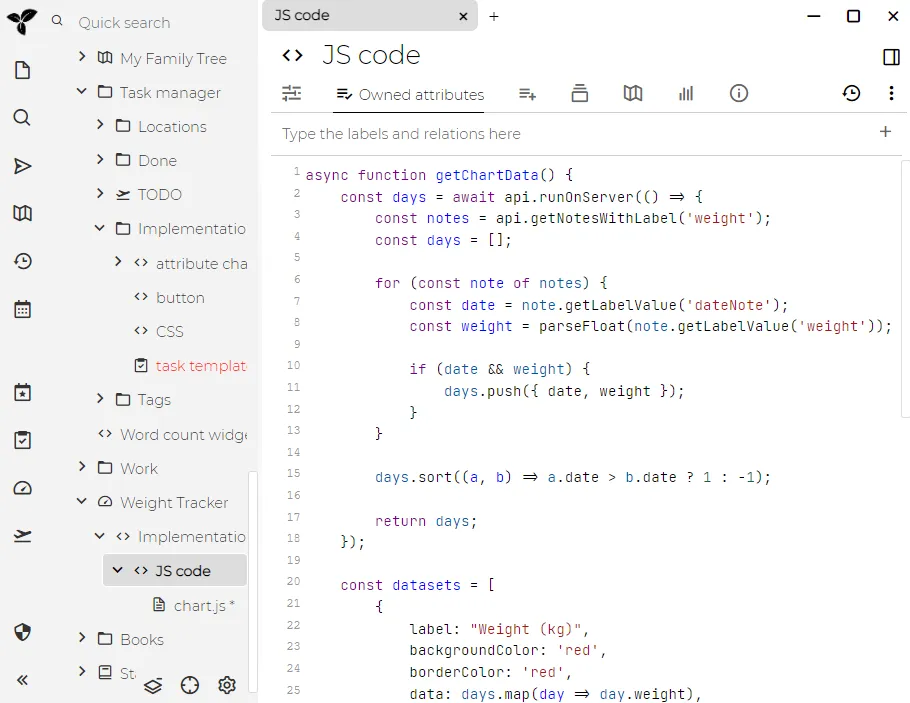
- Rich Editing Experience: Enjoy a powerful text editor that supports formatting, images, links, and more. This helps you craft detailed notes that are both informative and visually appealing.
- Search and Navigation: Quickly find what you’re looking for with a robust search function. The hierarchical structure also lets you navigate through your notes with ease.
- Synchronization and Backup: Whether you work from your laptop, tablet, or smartphone, TriliumNext offers options for synchronizing your notes, allowing compatible desktop instances to exchange changes with a server. Sync needs working connectivity and does not replace an independent backup.
Key Features of TriliumNext
Here are some of the standout features that make TriliumNext a great choice:
- Tree-Structured Notes: Organize your thoughts in a flexible and intuitive hierarchy.
- Rich Text Editing: Create visually engaging notes with support for multimedia elements.
- Powerful Search: Quickly locate your notes with advanced search functionality.
- Cross-Platform Compatibility: Use it on various devices and operating systems.
- Offline Access: Work on your notes without needing an internet connection.
- Open Source: Benefit from the collaborative spirit of the open-source community.
From Trilium to TriliumNext: A Brief History
TriliumNext began as a community continuation of the original Trilium project. The current project uses the Trilium Notes name and the TriliumNext/Trilium repository, so current downloads and container references differ from older TriliumNext Notes articles. While Trilium provided a strong foundation for digital note-taking, users and developers saw opportunities for improvements—especially in terms of user interface, performance, and additional features. This led to the creation of TriliumNext, which builds on the strengths of its predecessor while addressing its limitations.
Why Was TriliumNext Created?
- Enhanced User Experience: To offer a more intuitive and modern interface.
- Better Performance: Improved responsiveness and stability for smoother operation.
- Expanded Features: Additional functionalities that empower users to manage their knowledge more effectively.
- Community Driven: It reflects the collaborative nature of open source, where developers contribute improvements that benefit everyone.
Open Source Benefits
Being open source means that the source code of TriliumNext is publicly available for anyone to inspect, modify, and improve. This approach offers several advantages:
- Transparency: You can inspect the source and discuss its behavior with the community. Public code makes review possible; it does not prove that every deployment has been reviewed or is free of vulnerabilities.
- Customization: Developers can tweak the app to fit specific needs.
- Community Support: A vibrant community of users and developers helps identify bugs, suggest features, and improve security.
- Cost-Effective: Open source solutions are typically free to use, which can reduce software costs.
The Perks of Self-Hosting TriliumNext
Self-hosting your instance of TriliumNext brings additional benefits, especially if you value control over your data:
- Data Privacy: You choose where notes are stored and who administers the server. Protecting accounts, endpoints and backups remains your responsibility.
- Customization: Tailor the setup to your personal or business needs.
- Accessibility: Browser access needs a reachable server and an appropriate secure access path. A desktop client keeps its own local database for offline work.
- Cost Savings: For those with existing hardware or a homelab setup, self-hosting can be a cost-effective solution.
Options for Hosting TriliumNext
- Cloud Hosting Providers: Services like DigitalOcean, AWS, or Linode offer straightforward setups for hosting your instance.
- Home Server: If you have a home server or a dedicated machine in your homelab, you can host TriliumNext locally.
- Docker Containers: Use Docker to containerize your installation, making it easier to deploy and manage updates.
- Virtual Private Servers (VPS): A VPS can provide a balanced approach between cost and control.
Fitting TriliumNext into Your Homelab
For tech enthusiasts, integrating TriliumNext into a homelab is an excellent way to manage personal data. Here’s how it can fit into your homelab environment:
- Centralized Data Management: Use your homelab as a central hub for all your digital projects, including note-taking.
- Experimentation: Test and customize the application without impacting your primary systems.
- Integration: Combine TriliumNext with other self-hosted applications like Nextcloud or media servers for a comprehensive digital ecosystem.
- Learning Opportunity: Gain hands-on experience with server management, networking, and software customization.
Conclusion
TriliumNext Notes is more than just a note-taking app—it’s a powerful tool designed to help you organize your thoughts, boost productivity, and safeguard your knowledge. Born from the solid foundation of Trilium, TriliumNext enhances the user experience with a modern interface, advanced features, and a strong emphasis on flexibility. The open-source nature of the software not only encourages community contributions but also offers a transparent and customizable solution. Self-hosting TriliumNext brings extra benefits like enhanced privacy and control, making it an excellent choice for anyone with a homelab or the desire to explore a robust personal data management system.
Whether you’re a non-technical user or a seasoned homelab enthusiast, TriliumNext has something to offer—transforming the way you capture and connect your ideas. Enjoy the freedom to experiment, the control over your data, and the satisfaction of using a tool that grows with your needs.
Happy note-taking!
A current Trilium sync-server starting point
A native desktop instance keeps a local SQLite database and can work offline. A server provides a central synchronization target and browser access, including the mobile frontend. Browser access to a server and a native desktop database have different connectivity requirements; a server being offline does not magically leave every phone with a complete offline copy.
The current official image is triliumnext/trilium. Choose an actual published version compatible with your desktop instances and set TRILIUM_IMAGE in a private environment file or shell before using this Compose example. The project warns that a floating latest image can unexpectedly upgrade a database or disrupt synchronization. Back up first and coordinate server/client upgrades.
services:
  trilium:
    image: "${TRILIUM_IMAGE:?Set an explicit published triliumnext/trilium version}"
    restart: unless-stopped
    ports:
      - "127.0.0.1:8080:8080"
    volumes:
      - ./trilium-data:/home/node/trilium-data
This uses the standard image’s documented data path and binds the host port to loopback for local access or a host-side proxy. The standard image does not support overriding it with an arbitrary user: 1000:1000 directive. Its documented UID/GID options and the separate rootless image have different startup and data-path requirements; use the exact configuration for the image chosen.
Decide which database already contains your notes before initializing the other end. The synchronization guide describes pushing an existing desktop database to an uninitialized server, or initializing a new desktop from an existing server. Creating two unrelated databases first is not the same process. Configure the documented server URL, use Test sync and confirm a small change arrives before relying on the arrangement. Use valid HTTPS for remote synchronization and keep clocks correct.
Features worth exploring in a personal knowledge base
- Cloning: A note can appear under several parent branches while retaining the same underlying content. This is useful when one piece of homelab documentation belongs under both a service and a network topic.
- Protected notes: Protected titles, content and attachments are encrypted and opened through a password-protected session. Structure, dates and attributes are not all encrypted, and protection does not prevent someone with application access from deleting or moving a note. It is not a blanket claim that the server never handles decrypted content.
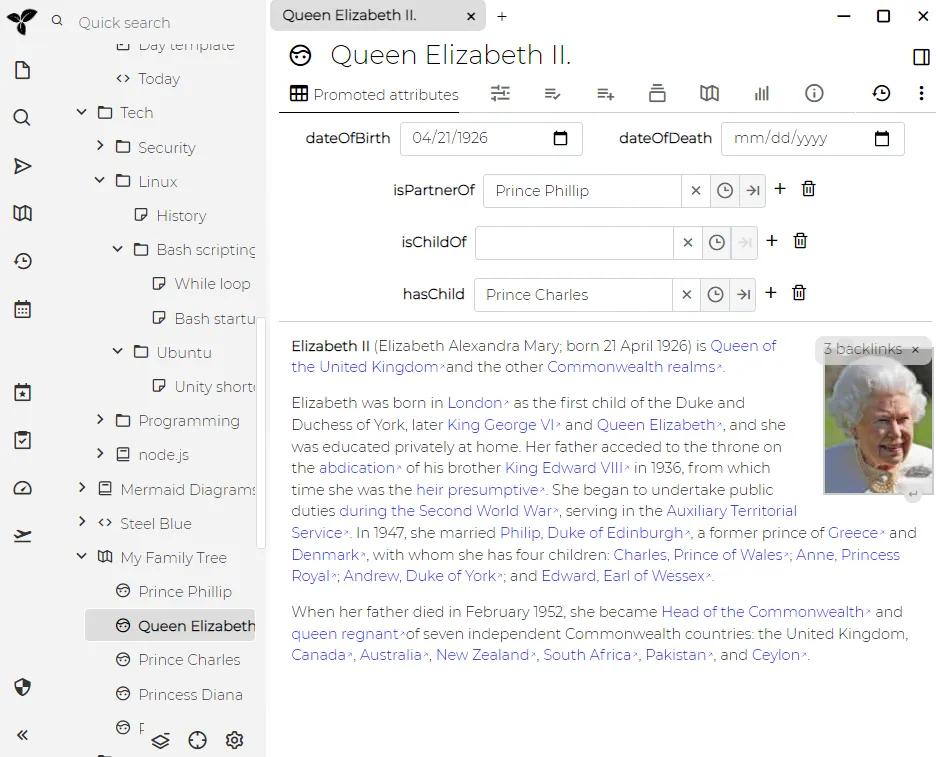
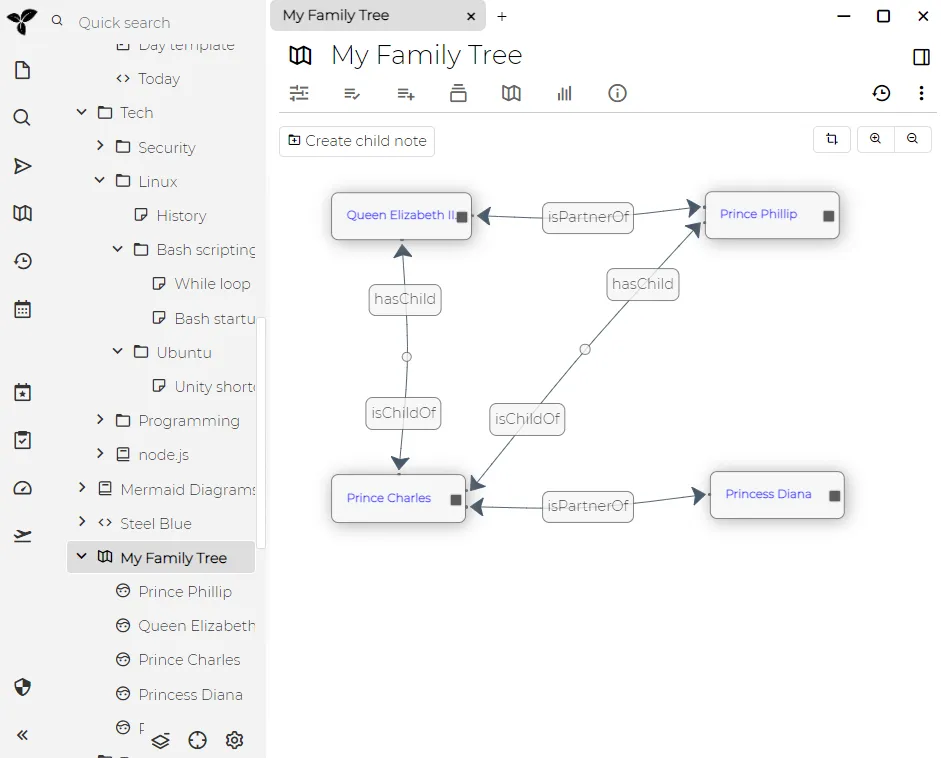
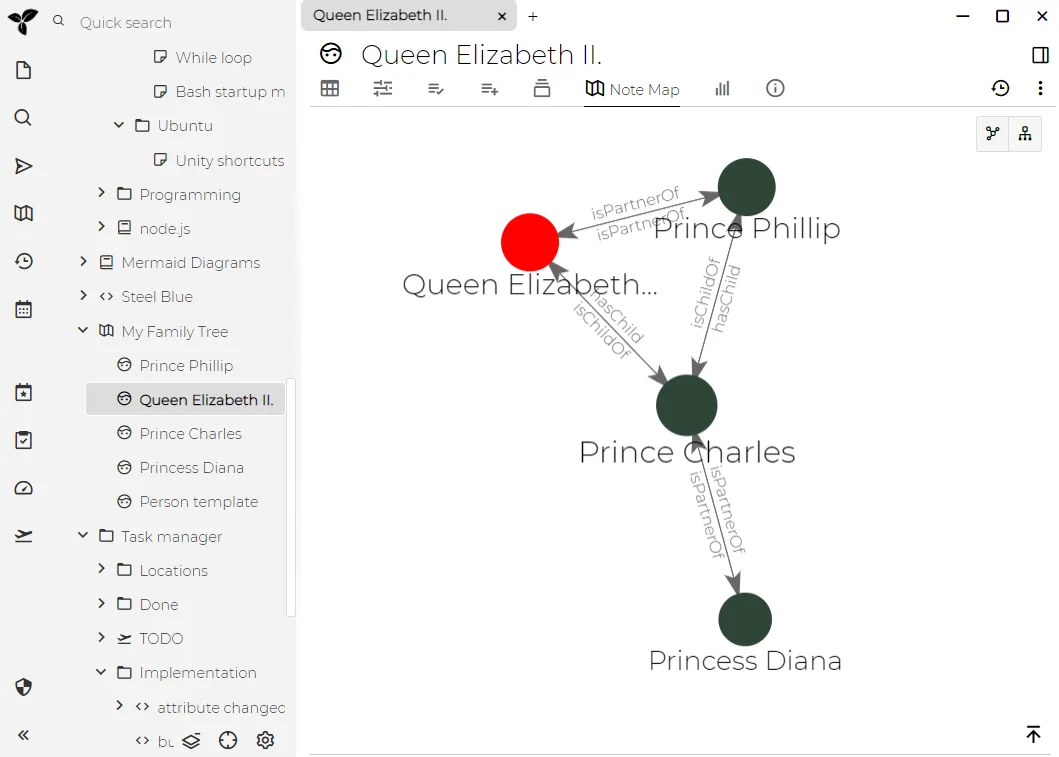
- Attributes and relations: Structured labels and links can organize notes beyond their tree position. Keep a consistent naming scheme so a later search or automation can find the intended entries.
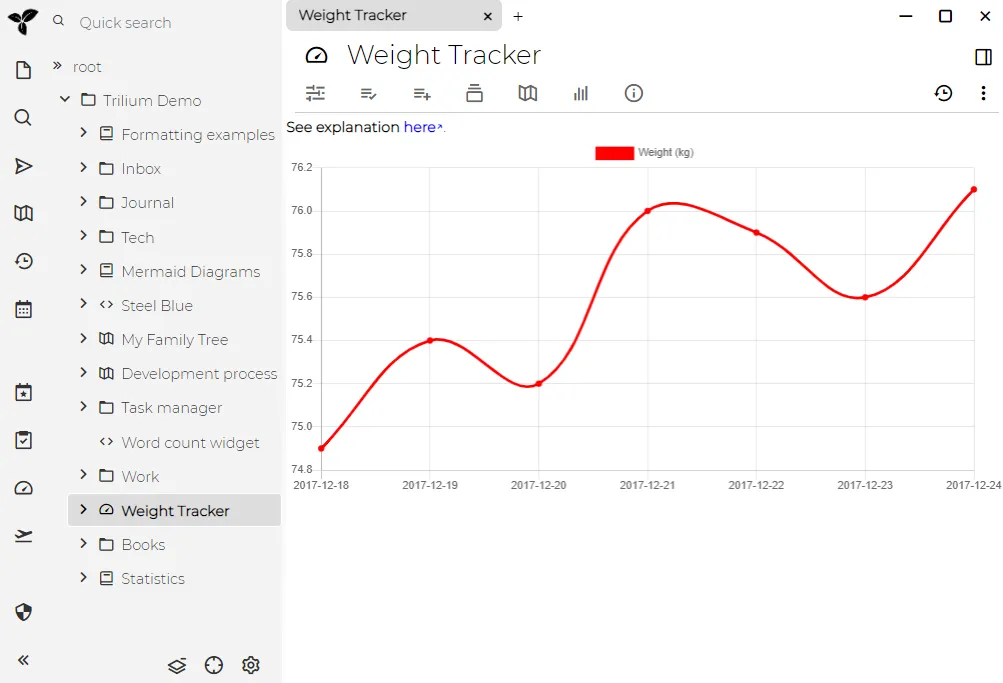
- Visual note types: Mermaid diagrams, canvases and relation maps offer different ways to connect ideas. Try the note types included in your version rather than assuming that every screenshot demonstrates a new feature exclusive to Trilium.
Choose a storage and recovery workflow
Trilium is primarily a personal knowledge tool, rather than a shared multi-user editing service. Running several people’s separate instances is different from granting several users permissions in one database. Its scripting flexibility also assumes that the person administering the knowledge base controls what code runs.
Do not place an actively edited database in a general file-sync folder and let several machines write it. The FAQ identifies this as a corruption risk and directs users to the application’s synchronization mechanism. Copying a closed backup to another storage location is a different operation from sharing a live database.
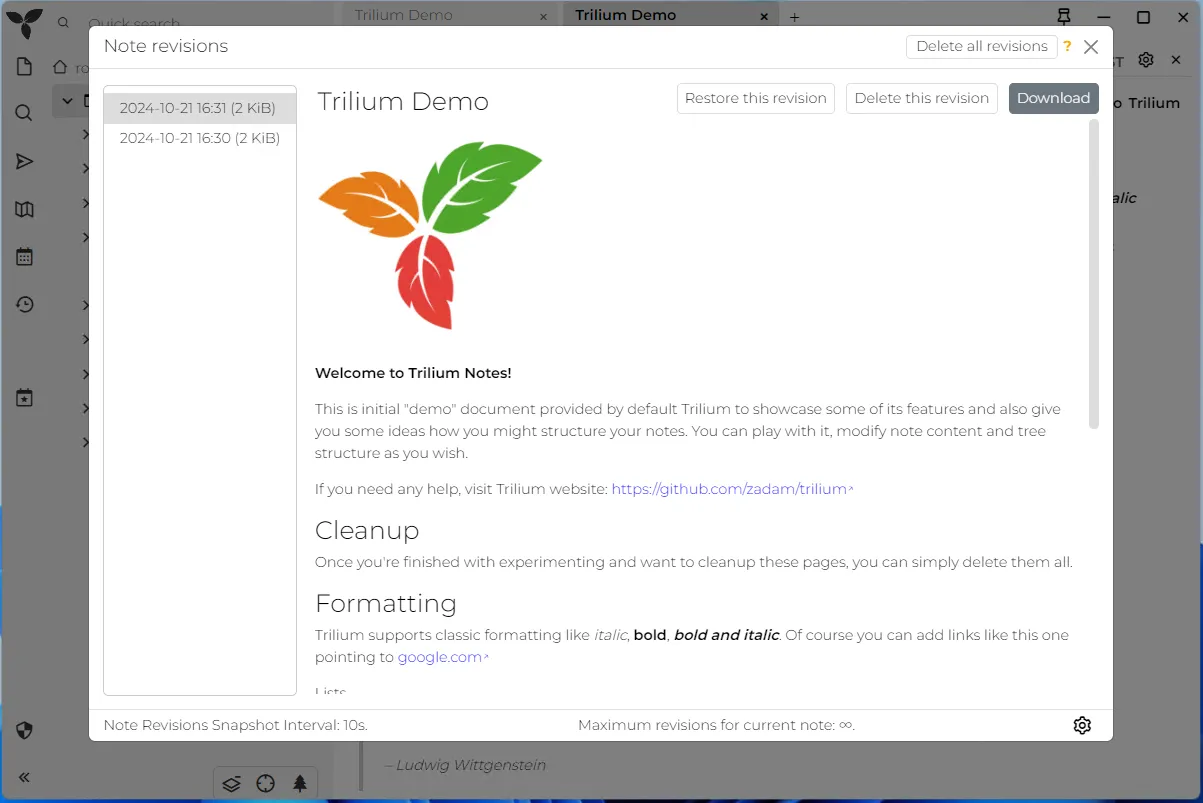
Use the built-in backup facilities, keep another copy away from the server and prove that a test instance can open it. Automatic backups inside the same data directory do not survive loss of that directory. A synchronized deletion can propagate, so synchronization is not a substitute for retaining a recoverable earlier state. Follow the documented restoration procedure for the whole sync arrangement to avoid an old restored database being overwritten by newer peers.
If portability is central to your choice, export a representative set of notes with attachments and internal links, then open that export independently. Database-backed hierarchies, clones and attributes differ from a folder of Markdown files. The original appeal of a flexible, self-hosted notebook remains, but a small migration and restore trial tells you much more about the fit than a broad competitor price or feature table.