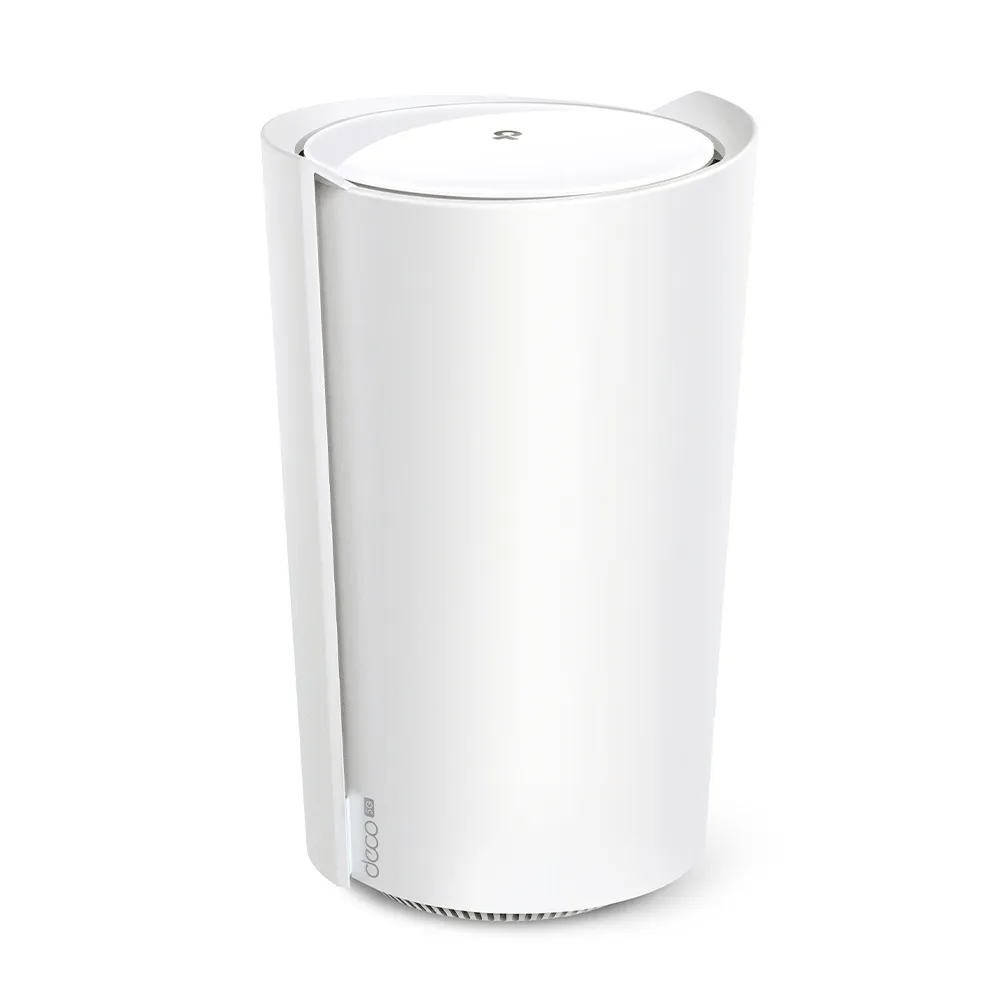
The TP-Link Deco X50-5G combines a cellular internet gateway with dual-band Wi-Fi 6 and Deco mesh expansion. It is a useful option where fixed broadband is limited, at a temporary site, or when a supported backup connection is important. Its appeal is flexibility: the same device can provide local Wi-Fi while connecting through an appropriate mobile data plan or a wired internet service.
This guide's original specifications and graphics describe the V1 generation. Check the hardware revision and region on the unit you are buying. TP-Link now publishes other revisions with different cellular and antenna details; the same product name does not guarantee identical hardware or firmware features.
The Cellular Gateway and SIM Requirements
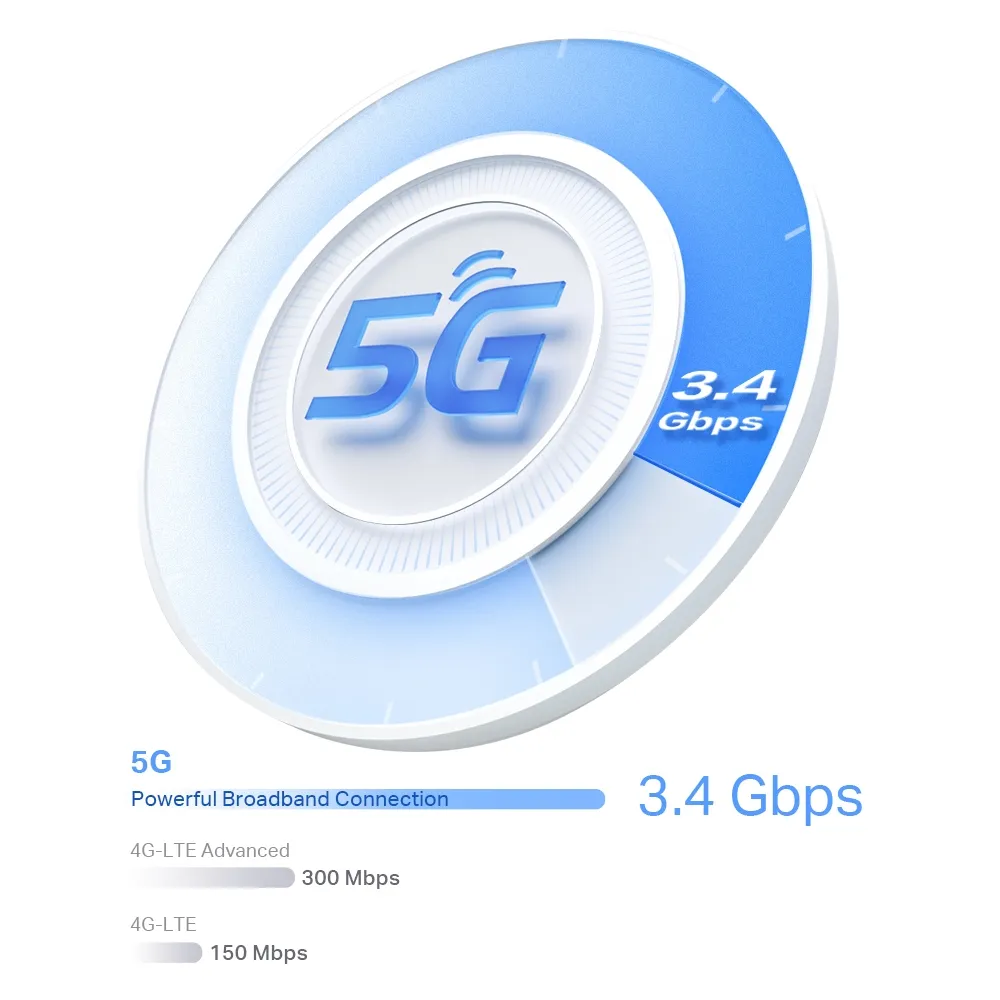
The EU V1 datasheet advertises theoretical 5G download and upload rates of 3.4 Gbps and 900 Mbps. Those are modem capability figures, not results measured at a home or a promise from a carrier. Coverage, available bands, the data plan, cell loading, reception and network configuration determine the service you receive.
A nano-SIM slot is convenient, but an active plan must permit the intended router use and support the local network. Initial setup may need a SIM PIN or correct APN rather than always working without configuration. Check data allowances, roaming settings and any fair-use speed limits before depending on cellular service for daily work.
Do not infer a particular LTE category or fallback speed from the name alone. Match the exact revision's supported 4G/5G bands with the carrier and consider performance when 5G is unavailable. A map showing outdoor coverage is not proof of a good indoor connection.
Wi-Fi 6 and the Wired Network
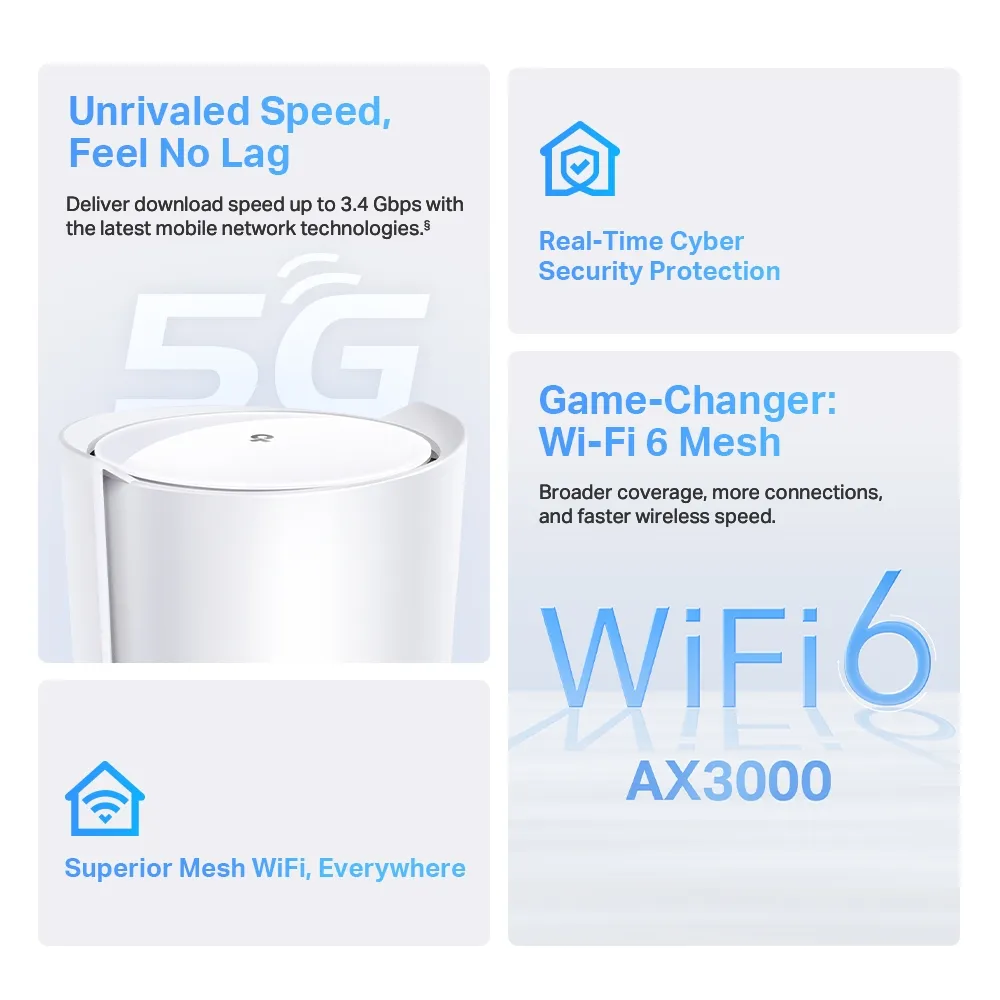
The V1 Wi-Fi specification is AX3000: up to 2,402 Mbps on 5 GHz and 574 Mbps on 2.4 GHz. It has no 6 GHz Wi-Fi radio; 5G cellular and 5 GHz Wi-Fi are different technologies. AX3000 adds theoretical radio rates rather than giving one client a 3 Gbps download.
Wi-Fi 6 features such as OFDMA and MU-MIMO can improve efficiency with compatible clients and suitable traffic. Wider 160 MHz channels also depend on the region and client. Older devices remain usable on supported standards but cannot gain every newer feature merely by joining the network.
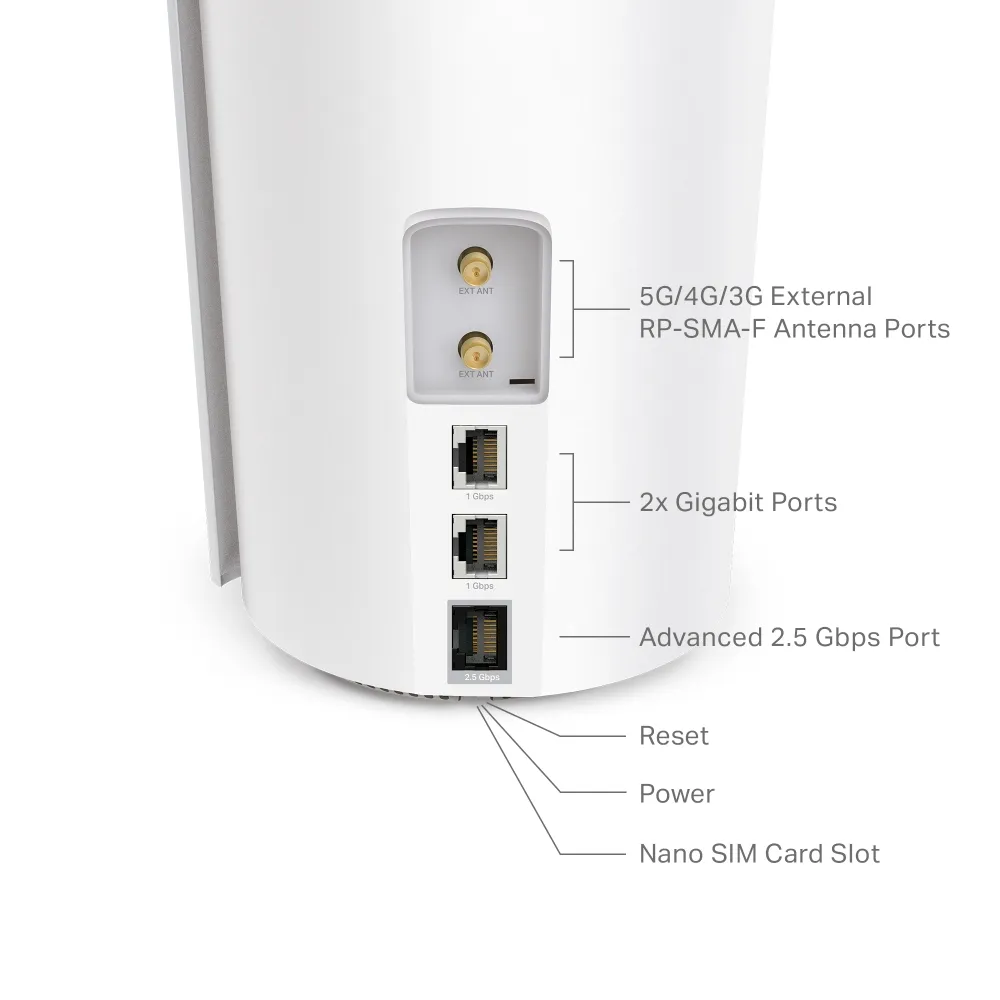
The hardware provides one 2.5 Gbps Ethernet port and two Gigabit ports, with one WAN role at a time when configured for wired internet. A cable backhaul or wired client uses a port, so count the remaining connections. The 2.5G port can be useful, but the whole path must support the required speed: a Gigabit switch or NAS link can still limit a transfer.
V1 Specification Summary
| Item | Published EU V1 specification |
|---|---|
| Cellular connection | 5G/4G/3G gateway; bands must match the region and carrier |
| 5G theoretical rates | Up to 3.4 Gbps down and 900 Mbps up |
| Local Wi-Fi | Dual-band Wi-Fi 6; 2,402 Mbps at 5 GHz plus 574 Mbps at 2.4 GHz |
| Ethernet | One 2.5G port and two Gigabit ports; WAN/LAN roles depend on mode |
| SIM | Nano-SIM |
| External antenna connector | V1 RP-SMA female; check revision before selecting accessories |
| Management | Deco app; exact settings and features depend on firmware |
TP-Link's original materials describe compatibility with other Deco units. Mixed systems still operate within each unit's radio, Ethernet and software limits; adding a newer satellite does not turn the X50-5G into a Wi-Fi 7 radio. Client roaming also depends on the client, so mesh should not be described as guaranteeing interruption-free movement through every building.
Backup Internet Without Seamless-Session Guarantees
On supported hardware and firmware, the cellular connection can provide backup when the wired WAN fails. TP-Link's backup guide describes setup in Wireless Router mode, with backup settings, offline detection, SIM configuration and data controls. Menu locations and supported combinations can differ, so follow your revision's current instructions rather than assuming a single universal recipe.
Failover changes the internet path and often the public address. Existing SSH, remote-desktop, VPN or call sessions can break and need to reconnect; there is no guarantee of continuity in a fixed number of seconds. Test an outage and recovery during a maintenance window, including the application you depend on.
Set mobile-data alerts or limits where supported and check the SIM account after a test. Switching back to wired service does not guarantee that no background update or cloud backup consumed expensive cellular data while the backup was active. Power backup for the gateway and required local equipment also matters if the original outage is electrical.
Choosing a Location and Testing the Actual Service
Try several indoor positions before buying an external antenna, keeping the gateway ventilated and within reach of power and suitable backhaul. The best cellular location may differ from the best Wi-Fi coverage location; additional Deco nodes can help address the local wireless layout.
Use the same client and test service at different times, recording download, upload and responsiveness under load. A wired test at the gateway helps separate cellular performance from a weak Wi-Fi link. Then test through the satellite in the room you actually use. Keep the conditions with the result rather than assigning an urban or rural speed to every installation.
A local NAS transfer checks a different path from a cellular internet test. Neither proves the other's throughput, and the gateway's theoretical modem rate should not be used as a measured local-network result.
Power and Antenna Planning
The original EU V1 datasheet lists a maximum 21 W consumption figure excluding the adapter and a 12 V, 2 A adapter. That is manufacturer specification context, not a measured idle or typical load result. For a battery or always-on energy budget, measure the actual complete installation at the wall or supply.
TP-Link explicitly distinguishes V1 RP-SMA female connectors from V2 SMA female in its antenna guidance. Match connector polarity, frequency coverage and cable requirements before ordering. An external antenna cannot add a band the modem does not support, and cable loss or poor placement can make reception worse. Use the applicable external-antenna setting after installation.
Bridge Mode, AP Mode and Remote Access
Bridge mode and access-point mode serve different purposes. Ordinary Deco AP mode extends an existing wired router's LAN; it is not evidence that cellular traffic passes a public IP directly to a firewall. TP-Link's official V1 firmware release 1.1.5 in 2024 added cellular Bridge Mode. Verify that the exact revision and installed firmware provide the required mode before designing a separate gateway around it.
Even a supported pass-through mode cannot manufacture a public address when the mobile provider uses carrier-grade NAT. Dynamic DNS and port forwarding alone do not overcome that upstream restriction. Check the carrier's public-IP or IPv6 options and whether an outbound tunnel is needed for remote homelab access.
HomeShield has basic and paid features, with mode and subscription limits. Check what remains available in your chosen operating mode. Use appropriate Wi-Fi security with WPA3-compatible clients, maintain firmware, and do not assume a subscription or guest network guarantees protection of every local device.
Final Verdict and Buying Guidance
The X50-5G remains an excellent option to consider when mobile broadband and expandable local Wi-Fi meet a real need. It can be especially useful at a temporary location or where the available fixed service is poor. That positive recommendation depends on testing local reception, choosing the right carrier plan and checking the exact hardware revision.
If reliable wired service is already available and cellular backup is unnecessary, a conventional Deco may offer better value. Compare gateway cost, SIM charges, antenna needs and any paid services, then read the original X50-5G product link and the current regional support documentation before ordering.