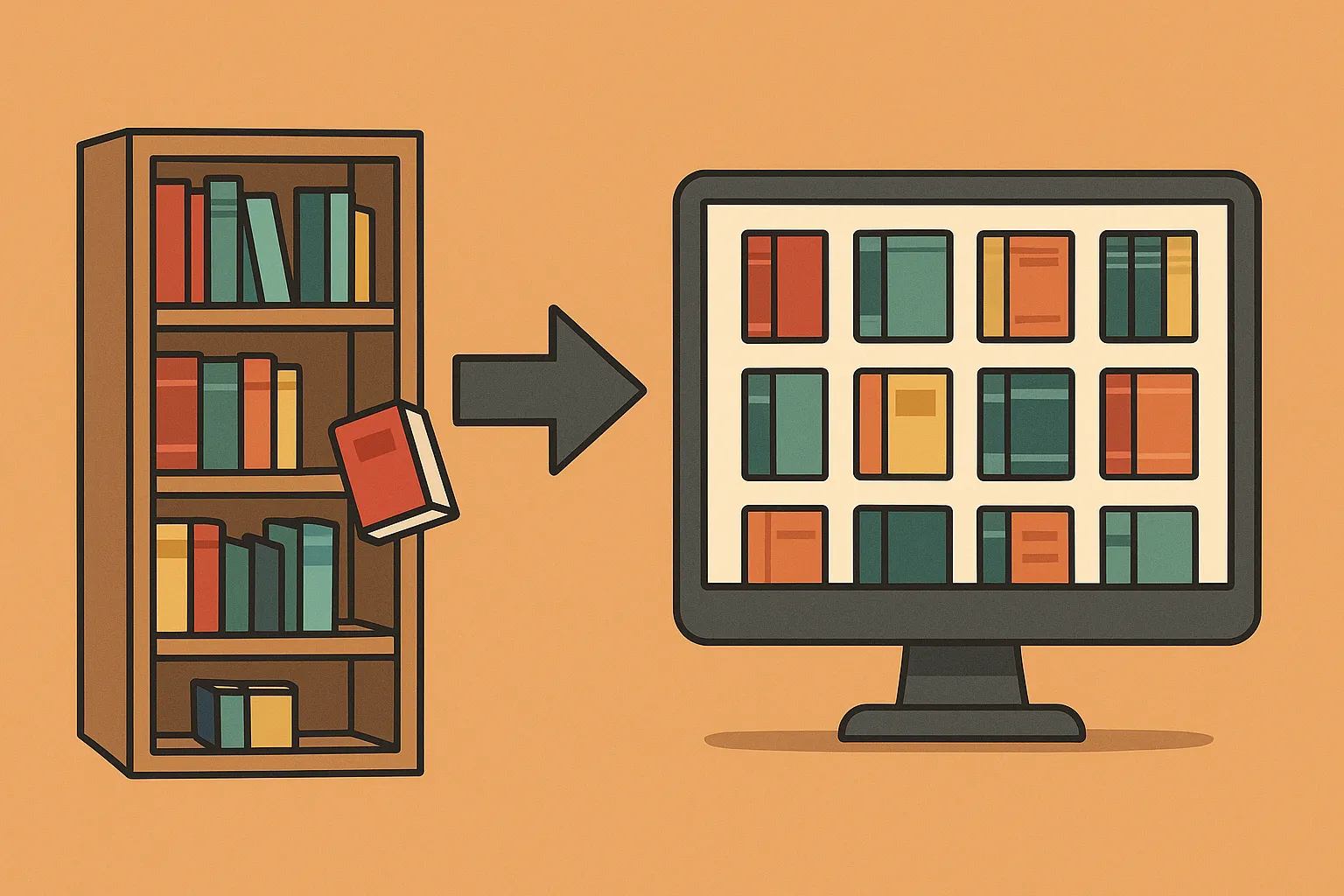
We love our home lab articles and enjoy finding useful applications beyond security, file sharing and entertainment. Mealie brings that idea into the kitchen: a self-hosted digital cookbook with recipe organisation, meal planning and shopping lists. Its value depends on maintaining recipes your household actually cooks.
What is Mealie?
Mealie is a web application that stores recipes and supports importing them from a URL or entering them manually. You can organise family favourites, plan dinners and turn recipe ingredients into a shopping list. A browser on a phone or kitchen tablet can access the server when the chosen network setup permits it.
Self-hosting puts the database under your control, but it does not eliminate every external connection. Importing a recipe fetches the source website, and optional hosted AI features send selected content to the configured provider. Separate local storage from the services you choose to enable.
Choose a deployment before importing recipes
Use the project’s installation checklist and stable release notes for your platform. Current containers support appropriate 64-bit systems, including supported ARM64 hosts; a Raspberry Pi running a 32-bit operating system is a different case.
SQLite is a straightforward choice for a small household using local storage. The project warns against keeping its SQLite database on network-attached storage because locking and corruption problems can occur. For network storage or more demanding concurrent use, evaluate the documented PostgreSQL deployment instead of putting the SQLite folder on an SMB share.
Before starting, identify the machine, storage location, free space and backup destination. Docker simplifies packaging; it does not update the host, create an off-machine backup or decide who can reach the service.
A private Docker Compose starting point
This example follows the current official SQLite template, with a localhost-only binding. The documentation currently uses v3.28.0; check release notes when you install or upgrade. A pinned version makes changes deliberate.
services:
  mealie:
    image: ghcr.io/mealie-recipes/mealie:v3.28.0
    restart: unless-stopped
    ports:
      - "127.0.0.1:9925:9000"
    mem_limit: 1000m
    volumes:
      - mealie-data:/app/data
    environment:
      ALLOW_SIGNUP: "false"
      PUID: 1000
      PGID: 1000
      TZ: Africa/Johannesburg
      BASE_URL: http://localhost:9925
volumes:
  mealie-data:
Save it as compose.yaml in a dedicated project directory. The container serves on port 9000; 9925 is the chosen host port. The named volume preserves application data when the container is recreated. The memory limit is a starting constraint from the project template, not a measured requirement for every recipe library.
docker compose config
docker compose up -d
docker compose ps
docker compose logs --tail=100 mealie
Open http://localhost:9925 on the Docker host. This example is not directly reachable from a separate kitchen tablet. For household access, plan a private LAN or VPN/reverse-proxy arrangement and set BASE_URL to the address users will actually visit. Keep authentication enabled and avoid exposing an unfinished setup publicly.
The installation checklist documents the initial account as [email protected] with password MyPassword. Change those details immediately, verify the account and review the administration settings before sharing access. Disabling open sign-ups does not by itself replace the initial credentials.
Make the first imported recipe reliable
Import one familiar recipe from its source URL, then compare the result with the original. Check the title, yield, ingredient amounts, units, cooking temperatures and instructions. Imports depend on the website and may fail or omit information; a bookmarklet does not guarantee access through subscriptions or bot protection.
For a family recipe, manual entry is often clearer. Record the quantities you use, the pan size and any changes that affect the result. A recipe remembered as “a spoonful” becomes more useful when the household agrees which spoon and how much it means.
Keep the source link and distinguish your adaptations from the imported recipe. Test scaling with a recipe you know: multiplying ingredient amounts does not necessarily multiply cooking time. Review the final instructions before relying on an automatically generated shopping list.
Plan a useful week and shopping list
Start with a few dependable meals rather than importing hundreds of untested recipes. Use tags such as quick meals, freezer-friendly or vegetarian to support actual decisions. Categories and cookbooks can group cuisines, occasions or collections without forcing every recipe into an elaborate hierarchy.
Add meals to the planner, review the generated ingredients and check the pantry before shopping. Duplicate ingredient names and different units can make a list harder to combine. Mealie’s food and unit handling needs consistent entries; review ambiguous items instead of assuming all quantities have been reconciled correctly.
A holiday menu is a useful planning example: keep the recipes together, note dishes prepared in advance and check equipment or oven conflicts yourself. A meal planner records your choices; it does not automatically establish whether the cooking schedule is realistic.
Optional shortcuts and integrations
The documented community bookmarklet sends the current website URL to your own Mealie installation. Configure its server address and group slug and test one import. It is a convenience, not a promised two-second conversion of every website.
Current AI providers are configured in group settings. A compatible vision-capable provider can support image imports; this is separate from ordinary URL imports. Review the provider, access credentials, cost and content sent outside your server before enabling it. Check every extracted quantity and instruction against the photograph.
The Home Assistant integration uses your Mealie URL and a user-generated API token. Its documented functions include meal calendars and shopping-list entities, with polling intervals. This does not promise automatic two-way synchronisation with every other shopping app; any additional automation needs its own configuration and test.
Back up and verify recovery
Use Mealie’s backup and restore guidance. Download a backup to another device and record the application version. For a complete SQLite data-folder copy, stop the container before copying the persisted data and start it again afterward.
Test restoration in a separate disposable installation, because an application restore replaces database contents. Check recipes, photos, household access, meal plans and shopping lists. A volume on the same failing disk is persistence, not an independent backup.
Before upgrading, read the release notes, take a backup and retain the known working Compose file. If the household cannot find its recipes after a change, inspect logs and the selected volume before creating an empty replacement library.
Get value from the cookbook
Mealie can be a useful bridge between cooking and a home lab. Keep favourite recipes accurate, make access convenient and practise recovery. A small collection that the household maintains is more valuable than a large import nobody trusts.