KRACK, short for Key Reinstallation Attacks, exposed a weakness in Wi-Fi key handling in 2017. It did not recover the network password by guessing it. Its practical lesson is to maintain the software on both access points and clients, rather than assuming a stronger password or a newer Wi-Fi label fixes every protocol flaw.
Our WPA2 versus WPA3 article and man-in-the-middle guide provide related background. Here the focus is understanding the flaw and checking protection, without instructions for attacking a network.
What KRACK attacked
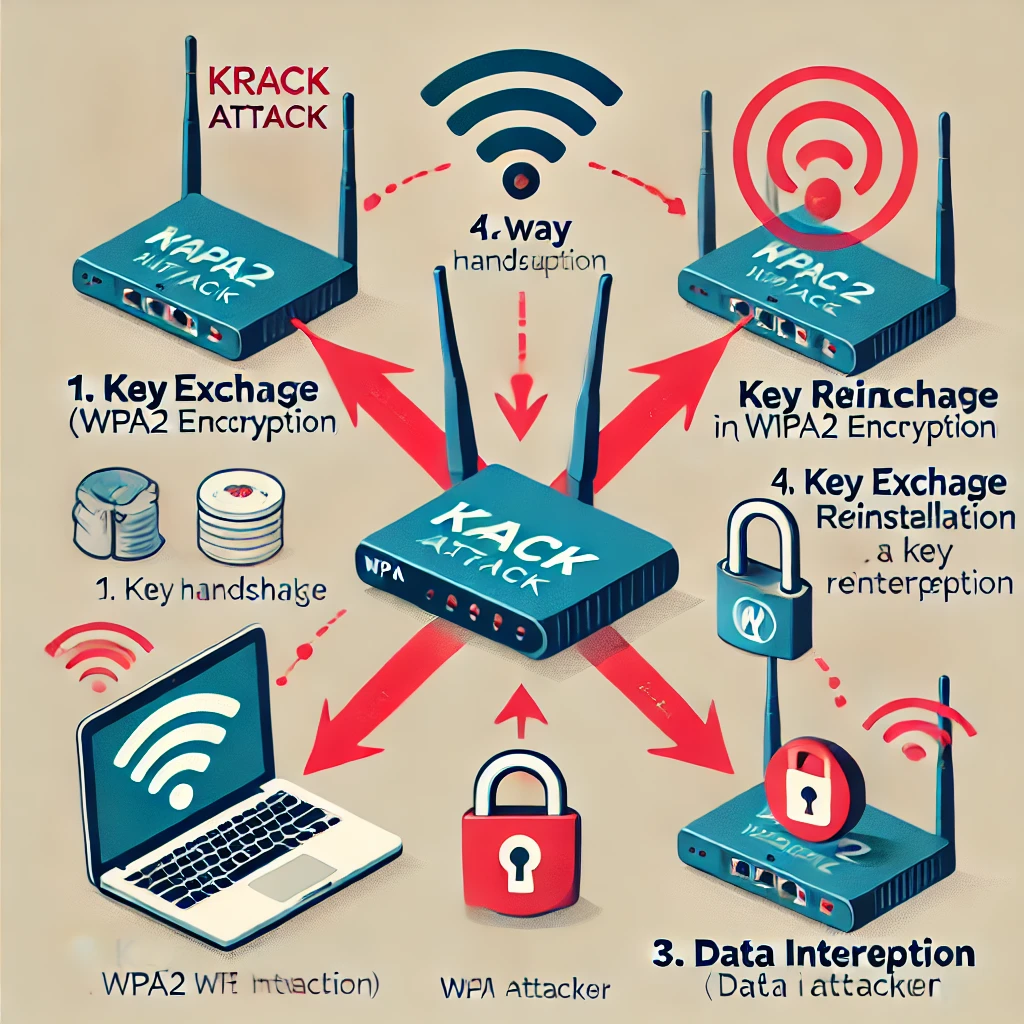
Mathy Vanhoef and Frank Piessens studied how an attacker within wireless range could manipulate handshake messages and make a vulnerable device install an already-used key again. Reinstallation could reset packet-number and replay state, allowing values that should be unique to be reused.
The weakness affected Wi-Fi handshakes, rather than making the AES algorithm itself universally broken. Its consequences depend on the handshake, cipher and implementation. The researchers' original site explains the attack family and distinguishes it from password recovery.
The public disclosure was on 16 October 2017. An old device using WPA2 is not automatically vulnerable today: the relevant question is whether its affected software was corrected. Conversely, an access point appearing to work normally is not proof that an unmaintained client has received a fix.
The four-way handshake, accurately simplified
The four-way handshake establishes session keys from an existing shared master-key context. In a personal network that context comes from the password; enterprise authentication can establish it differently. The session key is commonly called the Pairwise Transient Key, or PTK.
Wireless communication must tolerate lost messages. A retransmitted handshake message is therefore normal behaviour, but an implementation must handle it without resetting the encryption state for a key already in use. KRACK exploited that boundary between reliable handshake processing and safe key installation.
In the researched message-three example, a vulnerable client could reinstall its session key after receiving a replayed or retransmitted message. Associated state then reset, creating nonce reuse. A nonce is a value that must not repeat under the relevant encryption key; it is not interchangeable with every handshake replay-counter field.
The original research paper describes the state-machine details. A universal “starts at one, then resets to zero” recipe oversimplifies different ciphers and implementations. The important failure is reuse of previously used values, rather than one invented numeric sequence for all devices.
What the impact does—and does not—mean
Decryption and replay were possible in affected circumstances. Arbitrary frame forging depends on the cipher: the paper distinguishes CCMP from TKIP and GCMP. Higher-level manipulation of unencrypted HTTP traffic is also different from claiming that every encrypted application message can be modified directly.
HTTPS adds a separate encrypted and authenticated connection between an application and its server. Properly implemented TLS does not become plaintext simply because the Wi-Fi layer is attacked. It remains important to verify the destination and heed certificate warnings; HTTPS cannot make an unpatched radio stack correct.
The CERT/CC vulnerability note records several handshake variants and their identifiers. These are specific vulnerabilities, not one continuous numeric range in which every intervening CVE belongs to KRACK. Public, home and enterprise networks can contain affected equipment; the number of people sharing an SSID alone does not establish vulnerability.
Patch clients as well as the router
The direct mitigation is corrected software. Check the router or access point's exact model and hardware revision, its current firmware and the vendor's security advisories. Also check operating systems, wireless drivers and embedded devices that use the network.
The hostap/wpa_supplicant advisory documents fixes and affected key handling. Some access-point mitigations protect clients in particular circumstances, but that is not a reason to assume every client is protected on every other network.
Changing a Wi-Fi password is useful when that credential was disclosed, but does not fix key reinstallation. A strong unique password remains sensible for other threats. Likewise, restarting the router or seeing a successful speed test is not evidence that the security defect was repaired.
Where WPA3 fits
WPA3-Personal adds Simultaneous Authentication of Equals, or SAE, to improve password-based authentication. It still uses a four-way handshake afterward. The claim that SAE permanently removes every key-reinstallation possibility is therefore misleading: correct implementation and updates remain necessary.
Vanhoef's later research presentation explicitly notes this relationship. WPA3 is a useful capability to consider when replacing equipment, while WPA2 devices with appropriate fixes can remain compatible. Do not replace encryption with an open network as a workaround.
The Dragonblood research also demonstrates why a new protocol name is not a permanent security guarantee. Where WPA2/WPA3 transition mode is needed for older clients, verify which mode each important device actually uses instead of treating the network's marketing label as its negotiated protection.
A practical home maintenance check
- Inventory the wireless equipment. Include laptops, phones, mesh units, cameras and older smart devices. Record exact models and the software version where it is available.
- Find the update path. Use the vendor's support page or built-in update mechanism. Match hardware revisions and avoid firmware intended for another model or region.
- Check support status. If the vendor provides no fix or no longer maintains the device, decide whether replacement or removing its wireless dependency is appropriate.
- Apply and verify. Schedule the interruption, keep configuration recovery details, and confirm the installed version after reboot. A downloaded file is not proof that the update succeeded.
- Test normal use. Recheck connectivity, local control and your usual applications. This confirms operation after maintenance, rather than certifying immunity through a performance test.
Keep that inventory so the next security advisory can be checked against actual equipment. Use trusted application connections and minimise unnecessary exposure, while maintaining the underlying devices. KRACK is a reminder that dependable protection comes from supported implementations and continuing upkeep, not a one-time promise that every vulnerability disappeared.